What to Try When Your Zoho Books Chase Bank Feed Stalls
Table of Contents
Zoho Books Chase bank feed stalled? Log in at Chase’s website first; Zoho’s FAQ, read 15 October 2026, says the fault may sit with the bank. Then click Refresh Feeds once: Zoho’s help page, read 15 October 2026, allows one manual refresh a day. Still stale? Update credentials, then reconnect Chase. If a three-digit exception code shows, Zoho’s error table, read 15 October 2026, says what to do next.
Which Chase feed problem do you have?
This page covers a stopped Chase feed in a US-edition Zoho Books organization on a plan with bank feeds.
A stale feed with no error message
Start at the first numbered step under the refresh heading below. Not on Chase? Try Zoho Books bank feed not working.
An exception code is showing
Go to the exception code table below.
No feed option on your plan
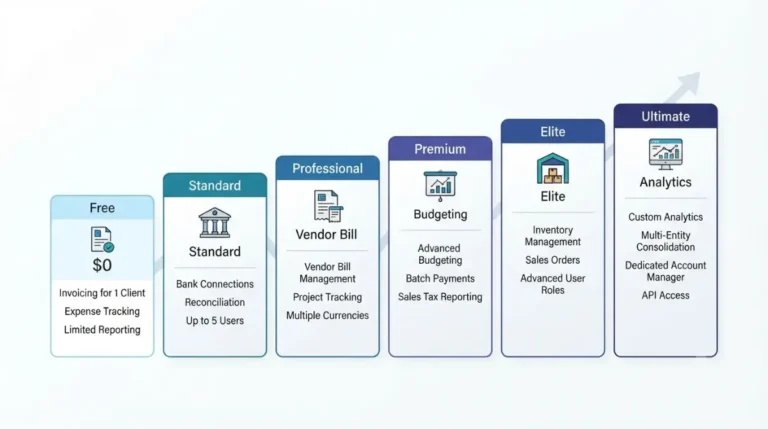
💵 Verified: Zoho lists third-party bank and credit card feeds as No on Free and Yes on Standard and above, per Zoho’s plan comparison page, retrieved 15 October 2026.
Costs: Zoho Books pricing and the extra costs past the Free plan. Other plan gates: Zoho Books integrations by plan. Free caps: Zoho Books Free plan limits.
Why a Chase feed stops updating in Zoho Books
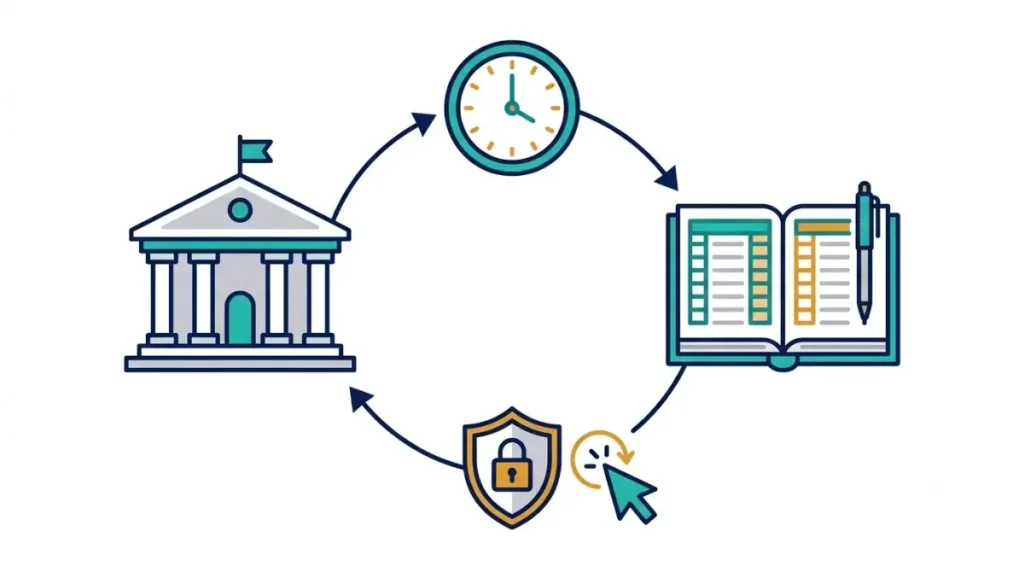
Zoho’s Bank Feeds help page, read 15 October 2026, says Zoho fetches feeds every 24 hours, but only for banks that do not require multi-factor authentication.
How often Zoho fetches feeds
A feed fetched today carries yesterday’s transactions, so a one-day gap is normal. If your bank uses multi-factor authentication, you must refresh by hand, and Zoho’s FAQ on missing recent transactions, read 15 October 2026, says to enter any extra credentials it asks for.
Which provider a Chase feed uses
Zoho lists Chase under Yodlee-supported banks and offers Plaid in US and Canada editions, but does not say which your Chase feed runs on.
What Zoho’s pages do not say
Not stated in the Zoho pages read on 15 October 2026:
- Which provider your Chase feed uses.
- Whether Chase counts as a multi-factor bank.
- Any expiry period for a Chase connection.
- Whether the error codes below apply to Plaid feeds.
How to refresh, update and reconnect a Chase feed
Zoho’s broken-feeds FAQ and Bank Feeds page, both read 15 October 2026, give a ladder: try each rung only if the one before failed. It applies to a US-edition organization on a plan with feeds and a Chase feed on the Yodlee path.
Step 1: log in to Chase, then Refresh Feeds
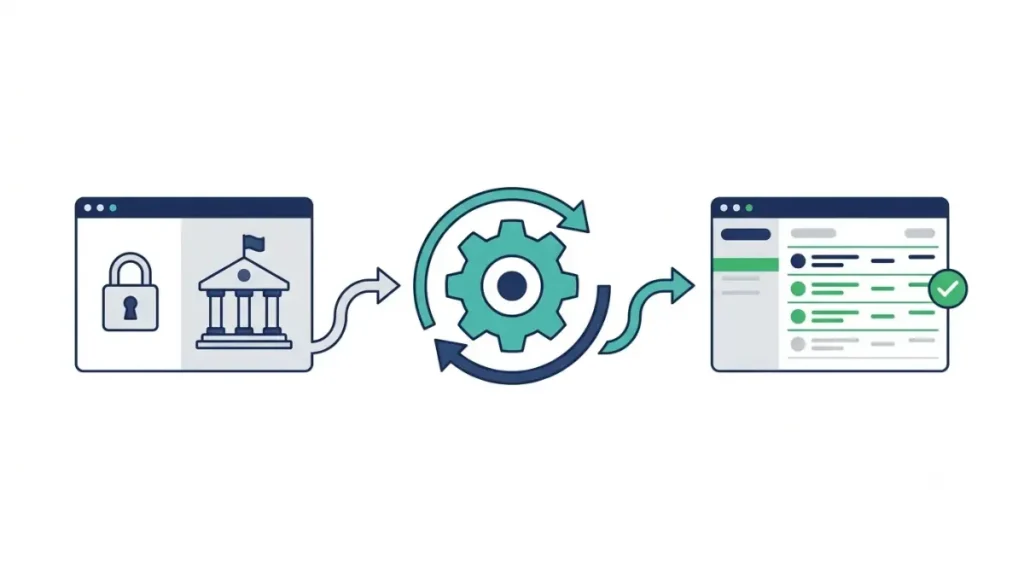
- Log in to Chase’s own website. If you cannot log in there, contact Chase.
- In Zoho Books, open Banking, select the Chase account, click the gear icon and choose Refresh Feeds. Do this once; manual refresh is limited to once a day.
- If Zoho asks for additional credentials, enter them and click Continue.
Step 2: Update Credentials
Use this after you changed your Chase login or asked Chase for a new password.
- Open Banking, select the Chase account, click the gear icon and choose Update Credentials.
- Enter your Chase credentials in the pop-up and click Continue.
Step 3: reconnect Chase
🛟 Back This Up First: Zoho does not say what Deactivate Feeds does to transactions already fetched (read 15 October 2026). Copy into a note the date of your newest Chase transaction in Zoho and your last reconciled period. You need that date when Zoho asks where to fetch from.
- Open Banking, click the gear icon at the top right, then Deactivate Feeds. Skip this if feeds are already deactivated.
- Click the gear icon, then Activate Feeds. Tick “I agree to all the end user terms for automatic bank feeds” and click Proceed.
- Search for Chase in the Yodlee-supported bank list, click Edit Connection, then Update, then Continue.
- On Chase’s redirected page, click Next, choose “These are all the accounts that can be shared with Zoho Books,” click Next, then Connect my account(s).
- Back in Zoho Books, select the accounts and click Save & Finish.
- Under Accounts Fetched Through Yodlee, select the account, pick the date to fetch from, and click Add.
✅ Do This: If the feed is still stale after step 6, stop and use the support section below. On Plaid, Zoho’s page gives first-time connection steps only (read 15 October 2026), so we could not verify a Plaid reconnect; do steps 1 and 2, then stop.
What Zoho Books bank feed error codes mean
Zoho’s bank feed error table, read 15 October 2026, sorts failures into agent errors in Yodlee’s collection component, bank site errors and errors that need you to act. These are selected rows.
Codes you fix at Chase
| Code | What Zoho’s table says | Who acts |
|---|---|---|
| 402 | Bank says credentials are wrong. Check at Chase and update if changed; if correct, wait 6–8 hours, retry, email support. | You, then Zoho |
| 406 | Bank needs an extra action on its site. Log in, complete it, retry. | You at Chase |
| 407 | Account may be locked. Resolve it on the bank’s site. | You at Chase |
| 416 | Another bank session may be open. Log out, retry. | You |
| 427–429 | Bank wants a promotion viewed (427), terms accepted (428) or personal information verified (429). | You at Chase |
| 518–520, 523 | Extra authentication details missing or wrong. Refresh feeds and enter them. | You |
Codes that point at the bank site or the provider
| Code | What Zoho’s table says | Who acts |
|---|---|---|
| 403 | Yodlee component issue. Retry after 6–8 hours; email support if it recurs. | Provider |
| 404 | Yodlee component issue. Retry after 30 minutes. | Provider |
| 412 | Bank website technical issues. Email support. | Chase, then Zoho |
| 424 | Bank site down for maintenance. Retry in a few hours. | Chase |
What to send Zoho if your code is not here
Send the code, the date the feed last worked and a screenshot. The table rows we read do not say whether Plaid feeds show these codes.
When the problem is on Chase’s side or Zoho’s
Chase began a phased rollout of its Data Security Center on 25 September 2026, so your account may not have it yet, per Chase’s Data Security Center announcement, read 15 October 2026.
What Chase says you can control
In the Chase Mobile app, Chase says customers can see connected apps, manage permissions, adjust access duration, manage linked accounts or unlink an app.
What Chase does not say
The announcement does not name Zoho, Yodlee or Plaid. It does not say whether a shorter access duration or an unlink stops a Zoho feed, or what name Zoho’s connection shows in Chase. We could not verify either.
How to reach Zoho US support
Zoho’s US error table, read 15 October 2026, directs unresolved feed problems to support.usa@zohobooks.com; its FAQ text prints support@zohobooks.com, so use the US address first. Crop account numbers out of screenshots, and never send your Chase password to anyone.
✅ Do This: Take login locks and bank-side prompts (codes 406, 407, 427–429) to Chase. Take a feed that stays stale after the reconnect, a code not in the table, and Plaid feeds to Zoho support.
Import a Chase statement and stop it recurring
Zoho’s statement import help page, read 15 October 2026, lists PDF import for Chase Bank, Chase Card and Chase Marriott. It words import as for “manually created” accounts and does not say whether a feed-linked account accepts it, so ask Zoho US support first.
🛟 Back This Up First: Import only the missing days and note the date range first. The PDF section gives no overlap warning; Undo Last Import exists for a statement uploaded twice or the wrong one.
Import a Chase statement
- Open Banking, select the account, click the gear icon and choose Import Statement.
- Under Choose File, pick a file from Desktop or Documents, then select the Bank Name.
- For a password-protected PDF, tick “This file is password protected” and enter the password.
- Click Import, check the Preview tab for errors, then click Import again.
Avoid duplicates and undo a bad import
- Click the gear icon and choose Undo Last Import.
- Check the transactions that will be deleted.
- Click Undo Import.
What Zoho documents about preventing a repeat
- Update credentials after you change your Chase password.
- Clear bank-side prompts at Chase (codes 406, 427–429).
- Keep one active bank session (code 416).
The pages we read document no re-authorization schedule for a Chase connection.
🧾 Not Tested: We did not connect a Chase account to Zoho Books. Every step, label and code here is read from Zoho’s pages on 15 October 2026, and we have not seen the reconnect or import flows run.
Zoho Books Chase bank feed questions answered
1. How often does Zoho Books fetch Chase bank feed transactions?
Every 24 hours for banks without multi-factor authentication; banks with it need a manual refresh (Zoho, read 15 October 2026).
2. How many times can I refresh a Zoho Books Chase bank feed?
Zoho limits manual refresh to once a day (Bank Feeds page, read 15 October 2026).
3. Does the Zoho Books Free plan include a Chase bank feed?
No. Zoho’s plan comparison, read 15 October 2026, lists third-party bank and credit card feeds as No on Free, Yes on Standard and above.
4. Which provider does a Zoho Books Chase bank feed use?
Zoho lists Chase under Yodlee-supported banks and offers Plaid in US and Canada editions, without saying which your feed uses (read 15 October 2026).
5. Do I have to reconnect a Zoho Books Chase bank feed?
Not first. Zoho’s FAQ lists Update Credentials and Refresh Feeds first; Chase reconnect steps are on its Bank Feeds page (read 15 October 2026).
6. Can I import a Chase statement into Zoho Books?
Zoho lists PDF import for Chase Bank, Chase Card and Chase Marriott, for manually created accounts (read 15 October 2026).
7. Who do I email about a Zoho Books Chase bank feed problem?
Zoho’s US error page, read 15 October 2026, lists support.usa@zohobooks.com; its FAQ text prints support@zohobooks.com.
8. Does a Zoho Books Chase bank feed show in Chase’s connected apps?
Chase began a phased Data Security Center rollout on 25 September 2026 but does not name Zoho, so we cannot confirm it.
Work the ladder in order
Work the ladder in order: Chase’s login, one Refresh Feeds, Update Credentials, the Chase reconnect, then Zoho’s code table. Where Zoho’s pages are silent on provider, expiry or a Plaid reconnect, this page says so rather than guess. If the feed is still stale, email Zoho US support with the code and a cropped screenshot.