Custom Zoho Books User Roles Are Locked Behind Professional
Table of Contents
As of 14 October 2026, Zoho Books’ US plan comparison lists custom user roles from the Professional plan: $50 monthly or $40 a month billed annually, with five users included. Free and Standard list none, so those plans use Zoho’s four default roles. Zoho’s pages read that day do not say what happens to custom roles if you later downgrade, or how many you can create.
🗓️ Pricing verified 14 October 2026. Software pricing changes frequently — confirm on the vendor’s site before purchasing.
What the four default Zoho Books roles can do
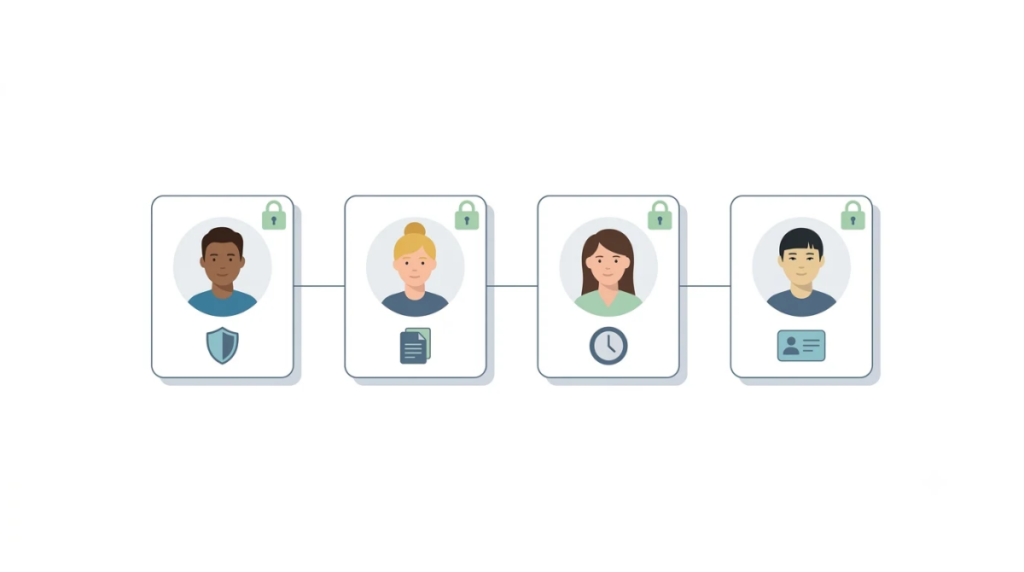
Zoho’s US help page, read 14 October 2026, lists four default roles in Zoho Books: Admin, Staff, Timesheet Staff and Staff (Assigned Customers Only).
Admin and Super Admin
Admin has complete access to all modules, transactions and settings, and can create and assign roles. The Super Admin privilege goes to the organization’s creator; only the Super Admin can delete the organization.
Staff, Timesheet Staff and assigned-customer Staff
Staff reaches every module except reports, settings and accountant. Timesheet Staff can log time entries in the Timesheet module. Assigned-customer Staff reaches all modules for assigned customers.
The four cannot be edited or deleted; Zoho says their access control can be modified.
Which Zoho Books plan includes custom roles
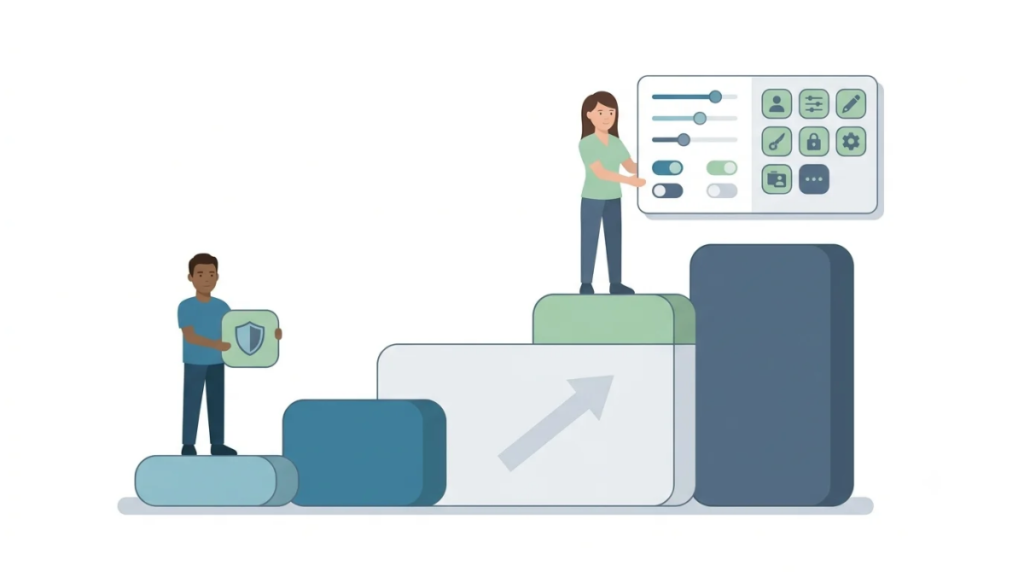
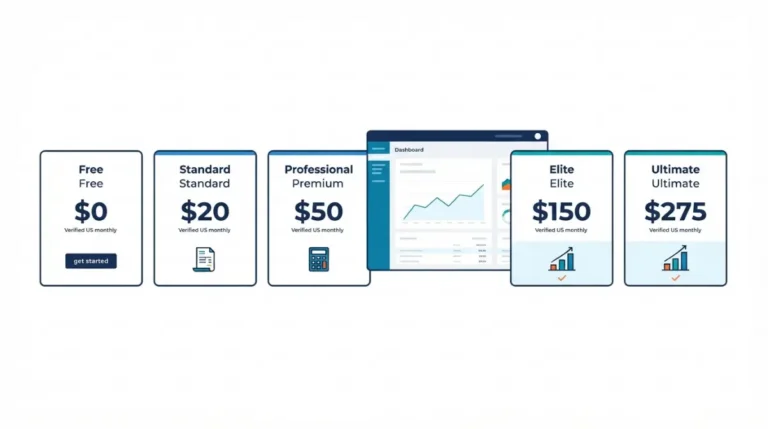
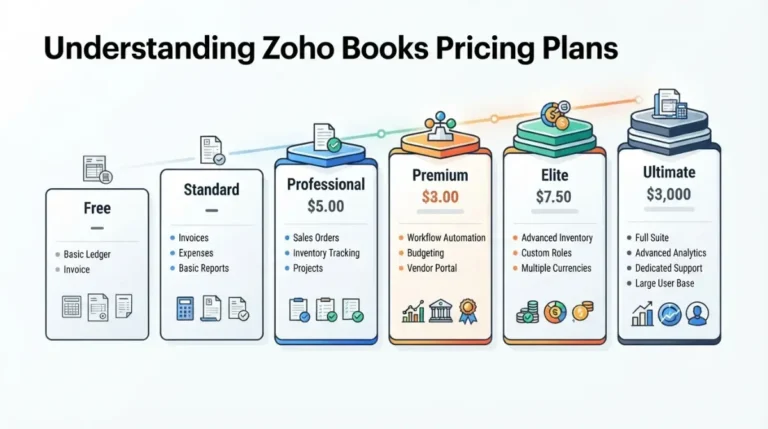
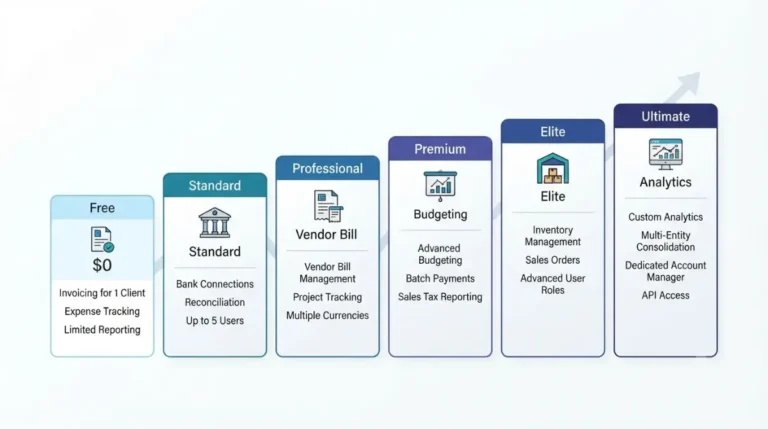
Zoho’s US pricing page, read 14 October 2026, prices Professional at $50 monthly or $40 a month billed annually per organization, five users included. Zoho’s custom-role FAQ (14 October 2026) lists Professional, Premium, Elite and Ultimate. Zoho Books pricing by plan lists all six plans; what extra users cost is worked separately.
User-access features by plan
Zoho’s plan comparison page, read 14 October 2026:
| Feature | First plan listing it | Who hits this |
|---|---|---|
| Custom user roles | Professional (14 Oct 2026) | Beyond default roles |
| Sales and purchase approval | Professional (14 Oct 2026) | Teams needing approvals |
| Locations | Premium: 3; Elite, Ultimate: 8 (14 Oct 2026) | Multi-site teams |
| User access control tag | Elite, Ultimate (14 Oct 2026) | Tag-based visibility limits |
🗓️ Plan listings verified 14 October 2026.
If you only need clerks kept out of reports and settings, Zoho’s Staff role already excludes both; check that before upgrading. These are US-edition figures; Zoho lists other editions separately.
How to create a custom role in Zoho Books
Zoho’s US help page, read 14 October 2026, documents the build in two parts: the General tab, then Segmented Access Control.
Build the role
- Go to Settings, select Roles under Users & Roles, then click New Role.
- On the General tab, enter a Role Name and Description.
- Choose modules and access levels; More Permissions adds options.
- Click Proceed.
- On the Segmented Access Control tab, pick the module, then click Save.
Assign it to a user
To assign it, invite a new user (Settings, Users, Invite User) and pick the Role, or edit an existing user and change the Role dropdown; only Admins can add or edit users. Zoho’s approval help (14 October 2026) also lists Clone to duplicate a role.
Segmented access: locations, reporting tags, bank accounts
Zoho’s help page, read 14 October 2026, says segmented access control limits which records a user can view and modify by locations, reporting tags or bank accounts; a user sees only records matching all their values.
Locations and bank accounts
Locations limit transactions; bank accounts limit users to their linked accounts. Zoho’s comparison page, read 14 October 2026, has no row for the bank-account restriction; the table above covers Locations.
Reporting tags: one tag, 500 options
⚠️ This Costs You: Zoho’s reporting-tag help, read 14 October 2026, says Advanced Reporting Tags cannot be disabled once enabled; read it before switching on.
Per that page (14 October 2026), access control can be turned on for only one reporting tag per organization, and a user can hold up to 500 tag options.
Let a non-Admin approve transactions with a role
Zoho’s approval help, read 14 October 2026, says admins approve transactions by default, and a role can extend that.
Create an approver role
Create a new role, choose Approve for each module it should cover, and assign the role to a user. Zoho also offers an optional Edit and Delete permission for approved transactions.
Why this needs a custom role
Zoho’s help says default roles cannot be edited or deleted, and an approver role is a new role, so on our reading it needs a plan that lists custom roles; the table above shows which. Whether this satisfies an audit or insurer is a question for your accountant.
Downgrades, limits and what Zoho leaves unsaid
Zoho’s downgrade help, read 14 October 2026, covers the steps but not what happens to roles.
What Zoho’s downgrade page covers
Zoho documents the path as Manage Subscription, Change Plan, then Downgrade, and names no users, roles or limits. How Zoho documents cancelling and which plan the Zoho Books trial starts on have their own pages. Zoho’s plans help (14 October 2026) says the trial can be switched to Professional, among five paid plans; it does not say whether a trial restricts roles.
Four questions to put to Zoho support
Zoho’s pages, read 14 October 2026, leave these open:
- Zoho does not say what happens to custom roles after a downgrade.
- Zoho does not state a cap on custom roles.
- Zoho does not say whether accountant seats count toward a paid plan’s user limit.
- Zoho does not say whether inactive users count toward that limit.
✅ Do This: Put each question to Zoho support in writing and keep the dated reply; contact details are on Zoho’s pricing page.
🧾 Not Tested: No one on the team has opened a Zoho Books organization, so no Roles screen, invite or downgrade was observed. Every statement reads Zoho’s public pages on 14 October 2026.
Zoho Books user roles questions answered
1. Which Zoho Books plan includes custom roles?
Zoho Books lists custom user roles on Professional, Premium, Elite and Ultimate, and not on Free or Standard (Zoho’s plan comparison, read 14 October 2026).
2. What are the default Zoho Books roles?
The Zoho Books default roles are Admin, Staff, Timesheet Staff and Staff (Assigned Customers Only), per Zoho’s help page read 14 October 2026.
3. Can I edit the default roles in Zoho Books?
Not the roles: Zoho’s US help (14 October 2026) says default roles cannot be edited or deleted, though their access control can be modified.
4. How do I create a custom role in Zoho Books?
Zoho Books custom role: Settings, Roles, New Role, set General tab access, then Segmented Access Control and Save (Zoho help, 14 October 2026).
5. Does the Zoho Books Staff role see reports?
No: the Zoho Books Staff role reaches all modules except reports, settings and accountant (Zoho help, 14 October 2026).
6. Can I restrict a Zoho Books user to one location?
Yes: segmented access control limits users to records matching their associated locations (Zoho help, 14 October 2026); the plan table earlier names the plan.
7. Can a non-Admin approve transactions in Zoho Books?
Yes: a Zoho Books role with the Approve permission extends approval beyond admins (Zoho approval help, 14 October 2026).
8. What happens to custom roles if I downgrade Zoho Books?
Zoho Books custom roles after a downgrade are not described: Zoho’s downgrade help (14 October 2026) covers the path but mentions no users or roles.
9. Is there a limit on Zoho Books custom roles?
Zoho’s pages (read 14 October 2026) state no cap on custom roles, so ask Zoho support in writing before planning many.
Zoho Books user roles: the verdict
If the Staff role already keeps your clerk out of reports and settings, stay where you are. If someone must approve transactions without Admin rights, Zoho documents a role for it, and the plan table names where custom roles start. Put the four unanswered questions to Zoho in writing first.