Zoho Books Emails Going to Spam and the Plain Fix for It
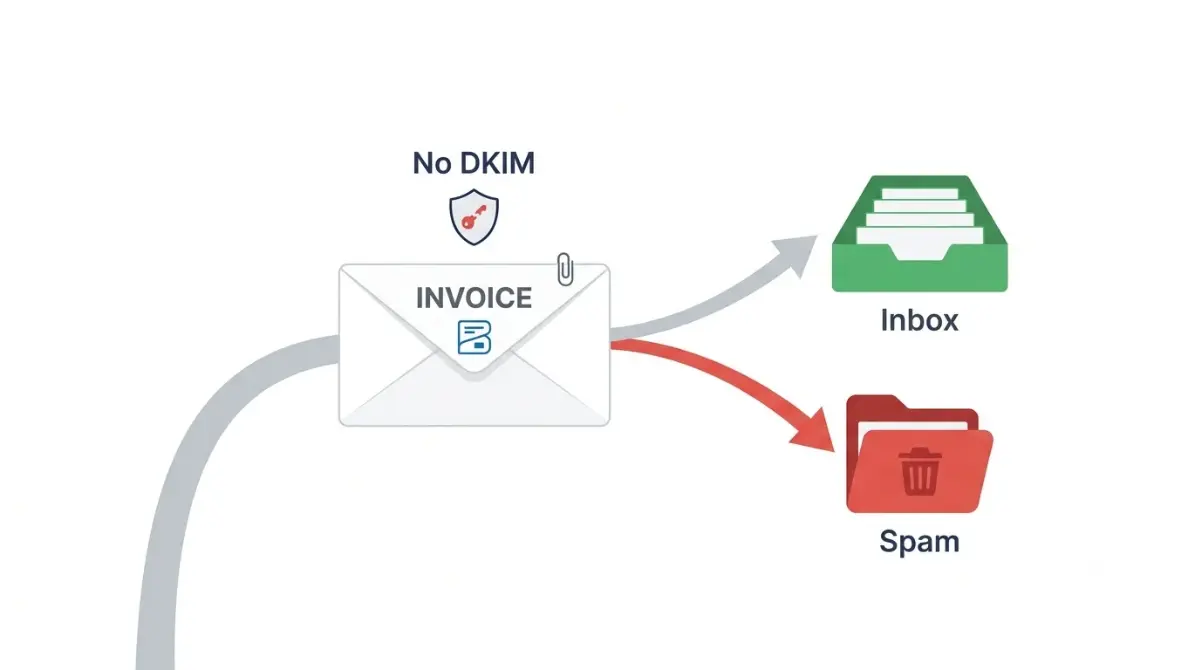
Table of Contents
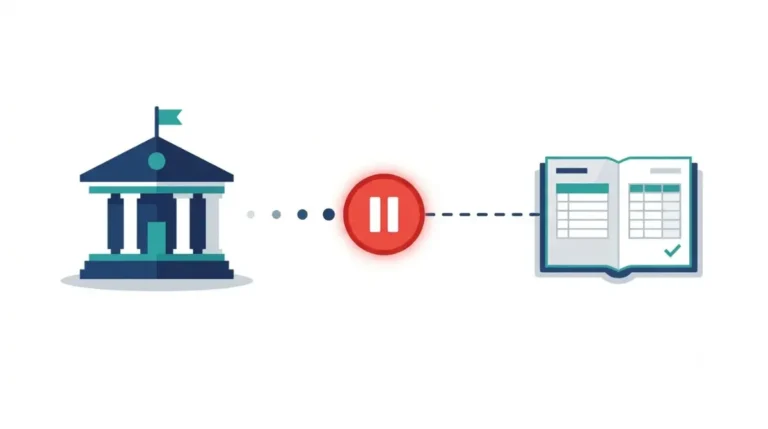
Zoho Books invoices usually land in spam because the From address’s domain isn’t authenticated for Zoho’s servers. As of 15 October 2026, Zoho’s help page on emails asks for one DKIM record, added under Settings → Email Notifications → Sender Email Preferences → Authenticate Now. Until it validates, Zoho swaps your address for message-service@sender.zohobooks.com. Gmail and Yahoo addresses can’t be authenticated at all.
🧾 Not Tested: No Zoho Books account was used for this page. The steps below come from Zoho’s and Google’s own help pages, read 15 October 2026, not from sending test invoices.
Which Zoho Books sender setup are you on?
The fix depends on the address your invoices are sent from, so find yours first.
You send from a Gmail or Yahoo address
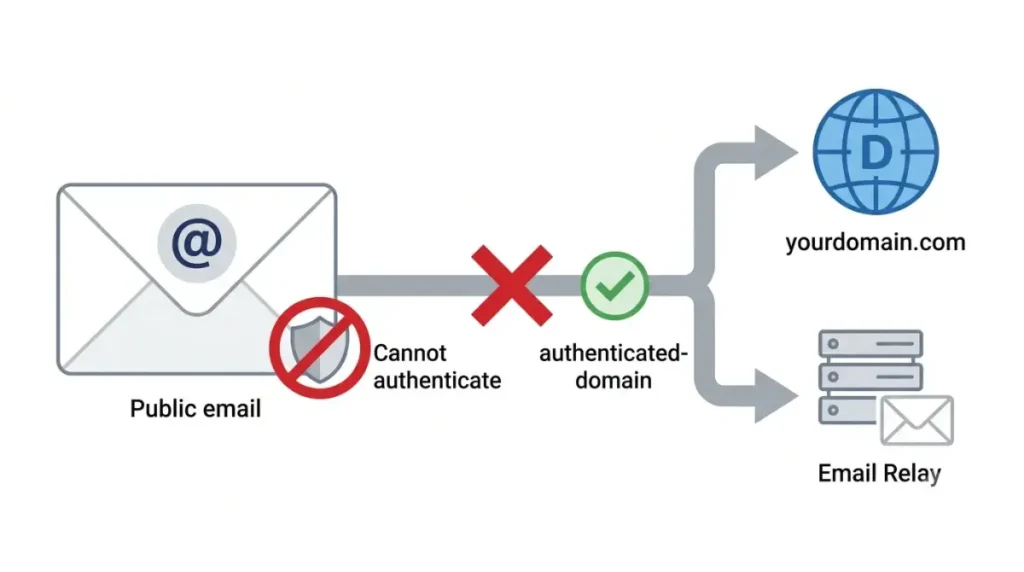
Zoho’s FAQ on the message-service address, read 15 October 2026, says public email domains such as Gmail and Yahoo cannot be authenticated. Zoho replaces them with its own address, and no DNS change can fix that. Move to an address on a domain you own, or send through your own server with Email Relay.
You send from your own domain
If your invoices arrive from message-service@sender.zohobooks.com, your domain isn’t authenticated yet. Go to the DKIM steps below.
Your invoices already show your domain
Your domain is authenticated, so the cause is elsewhere. Skip to the section on validation and spam after setup.
Why Zoho Books invoices land in spam
Zoho Books replaces your From address with message-service@sender.zohobooks.com when your domain has no DKIM record, according to Zoho’s help page read 15 October 2026.
Your domain has no DKIM record for Zoho
Zoho calls these unauthenticated domains and warns that mail sent from them may be flagged as spam. DKIM lets the receiving server check that the domain’s owner authorized the message.
What message-service@sender.zohobooks.com means
Zoho uses that address only in the From field. Your customers still see your name, and their replies reach your own inbox.
Gmail’s rules apply to every sender
Gmail’s email sender guidelines, read 15 October 2026, require every sender to use SPF or DKIM. They also ask senders to keep spam rates in Postmaster Tools below 0.3%.
Your invoice volume is not the problem
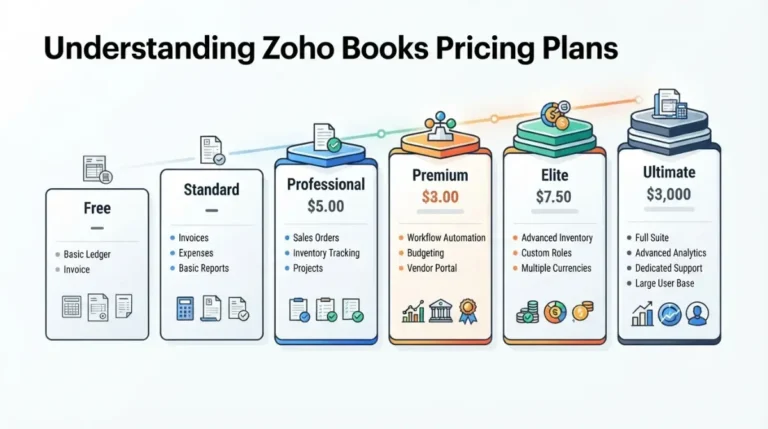
Gmail’s stricter rules apply to senders of more than 5,000 messages a day to Gmail accounts. Zoho’s highest invoice cap is 100,000 a year on Elite and Ultimate, per Zoho’s plan comparison read 15 October 2026; the Free plan’s own cap is far lower.
🔍 Why It Works This Way: 100,000 ÷ 365 = about 274 invoices a day, roughly 5.5% of Gmail’s 5,000-a-day line (the site’s calculation from Zoho’s cap and Google’s threshold, both read 15 October 2026). Gmail counts all mail your domain sends to Gmail accounts, so this rules out invoices alone, not your whole domain.
How to authenticate your domain in Zoho Books
Add the DKIM record Zoho gives you, then click Validate; these steps are from Zoho’s help page, read 15 October 2026, and apply only to addresses on your own domain.
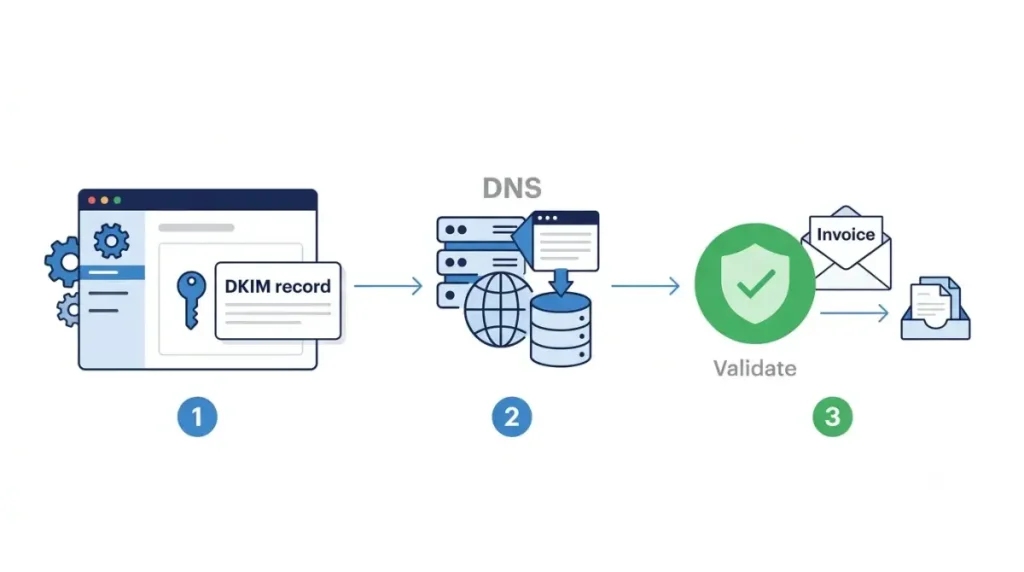
Add the DKIM record Zoho gives you
- Open Settings in the top right corner of Zoho Books.
- Select Email Notifications under Reminders & Notifications.
- Click Sender Email Preferences in the left pane.
- Click Authenticate Now next to your domain.
- Copy the Host Name and Value for the DKIM record.
- Add both at your DNS provider, the company where you manage your domain’s settings.
- Return to Zoho Books and click Validate.
If your organization uses Locations or Branches, Zoho sends each transaction’s email from that location’s primary contact address.
GoDaddy users: trim the host name
Zoho’s page says GoDaddy needs the domain removed from the host name. Its own example turns 1522406527365._domainkey.patricia.com into 1522406527365._domainkey.
Do you still need an SPF record?
Zoho’s own pages disagree, so follow the current help page steps above.
| Zoho page (read 15 Oct 2026) | What it asks for |
|---|---|
| Emails help page, body steps | DKIM record only |
| Same help page, meta description and image caption | SPF and DKIM |
| FAQ on the message-service address | SPF and DKIM |
🛟 Back This Up First: Before you edit any existing DNS record, copy your domain’s full record list from your DNS provider into a text file. A wrong edit to an existing record can stop your domain’s other mail.
You don’t need to change SPF to authenticate in Zoho Books. If Zoho support asks you for an SPF change, get the exact value from them in writing.
Zoho Books DKIM validation failed or still in spam
Three dead ends follow the DKIM steps, and each has a different next move.
Validation keeps failing
Zoho’s help page, read 15 October 2026, says new DNS records take a while to show and suggests retrying later. Check that the host name was trimmed if you use GoDaddy, and that the full value was pasted. If it still fails after you’ve rechecked both, stop editing DNS and contact Zoho support.
Still in spam after validation
Check how one received invoice was judged. Google’s DKIM troubleshooting page, read 15 October 2026, gives the steps:
- Open the email in Gmail in a browser.
- Next to Reply, click More, then Show original.
- Find the dkim result in the Authentication-Results header.
Send through your own server with Email Relay
Zoho’s external SMTP FAQ, read 15 October 2026, documents Email Relay. Zoho’s help page says custom SMTP can send from your own domain or a public one:
- Go to Settings, then Email Notifications, then Email Relay under Preferences.
- Click + New Server.
- Enter the Server Name, Port, Daily Mail Limit, secure-connection choice, Mail Delivery Preference and domain.
- Add a username and password if your server requires them, then click Save.
- Turn on the toggle next to the relay.
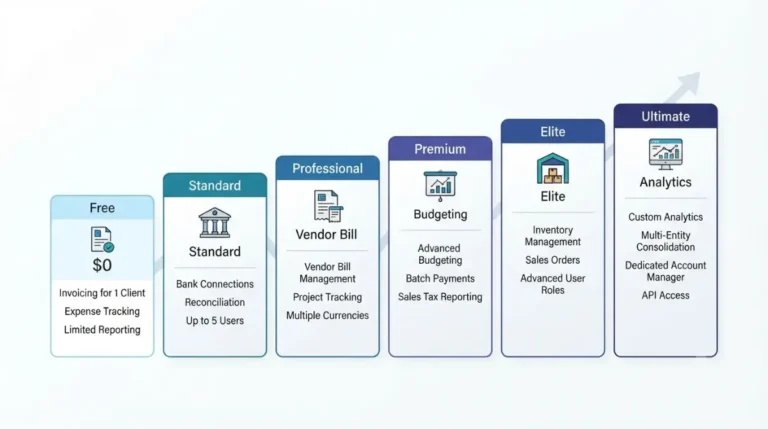
Zoho’s plan comparison, read 15 October 2026, does not list Email Relay, so we could not confirm which plans include it. For what each plan does list, see what each Zoho Books plan costs.
Is it Zoho’s fault your emails go to spam?
Sometimes the cause sits outside your settings, but no Zoho page read on 15 October 2026 confirms a current sending problem.
What users reported from November 2025
One post in Zoho’s community forum reports Zoho Books system emails going to spam from 11 November 2025, first in Gmail, then in Outlook. The poster says Zoho support pointed to Gmail’s filtering, and Gmail pointed to the sender’s reputation. It’s one user’s report, not a confirmed fault.
What a shared sending server means
Gmail’s guidelines say every sender on a shared IP address affects that address’s reputation. Zoho’s pages, read 15 October 2026, don’t say how its sending servers are shared.
What to send Zoho support
This is where self-service ends. Email Zoho support (support.usa@zohobooks.com for the US edition, per its help page on 15 October 2026) with:
- The From address on the affected invoices.
- Whether Sender Email Preferences lists your domain as authenticated.
- The full headers from one affected message, copied from Show original.
- The date the problem started.
How to keep Zoho Books invoices out of spam
Once DKIM validates, one DNS record and three habits keep invoices reaching clients.
Add a DMARC record
Gmail’s guidelines, read 15 October 2026, recommend SPF, DKIM and DMARC for every domain and allow a DMARC policy set to none. DMARC tells receiving servers what to do with your mail that fails SPF or DKIM.
🛟 Back This Up First: Copy your domain’s current DNS record list into a text file before adding DMARC. Start with the policy set to none; a stricter policy also acts on mail from any service you use that isn’t authenticated.
Keep invoices on one From address
Gmail’s guidelines say messages of the same type should share one From address. Send every invoice from the same authenticated address.
Ask clients to save your address
Gmail says mail from an address in the recipient’s contacts is less likely to be marked as spam.
Check Email Insights after sending
Zoho’s help page, read 15 October 2026, says Email Insights tracks invoices, retainer invoices and quotes with a one-pixel image. Turn it on under Settings → Email Notifications → Email Insights. A client who blocks images can show as unopened when they did open it.
Zoho Books email spam questions
1. Why do Zoho Books invoices go to spam?
Zoho Books invoices usually go to spam when the From address’s domain has no DKIM record, per Zoho’s help page read 15 October 2026.
2. What is message-service@sender.zohobooks.com?
It’s the address Zoho Books puts in the From field when your domain isn’t authenticated; replies still reach you, per Zoho’s help page, 15 October 2026.
3. Does Zoho Books need SPF or DKIM?
Zoho Books’ help page, read 15 October 2026, asks for a DKIM record only. Zoho’s FAQ on the sender address still mentions SPF and DKIM.
4. Can I send Zoho Books invoices from a Gmail address?
Not under your Gmail address in the From field. Zoho’s FAQ, read 15 October 2026, says Gmail and Yahoo addresses can’t be authenticated.
5. Why does Zoho Books DKIM validation fail?
Zoho Books says new DNS records take a while to appear, so wait and retry. GoDaddy users must drop the domain from the host name.
6. Can Zoho Books send through my own SMTP server?
Yes, through Email Relay. Zoho’s plan comparison, read 15 October 2026, doesn’t list it, so which Zoho Books plans include it is unconfirmed.
7. Does Zoho Books need DMARC?
Zoho Books’ help page doesn’t mention DMARC. Gmail’s guidelines, read 15 October 2026, recommend it for every domain and require it above 5,000 daily messages.
8. How do I know if a client opened my Zoho Books invoice?
Turn on Email Insights. Zoho says it tracks invoices, retainer invoices and quotes, but blocked images can make an opened email show as unopened.
9. Is it Zoho’s fault my emails go to spam?
Not confirmed. One Zoho community post reports Zoho Books mail going to spam from November 2025; no Zoho page read 15 October 2026 confirms a fault.
What to do next
Start with your sender setup. On your own domain, add Zoho’s DKIM record and click Validate; on Gmail or Yahoo, move to a domain address or set up Email Relay. Then add a DMARC record with its policy set to none. If invoices still land in spam after validation, send Zoho support the headers from one affected message.