The Exact Invoice Simple App vs Web Plan Lists, Compared
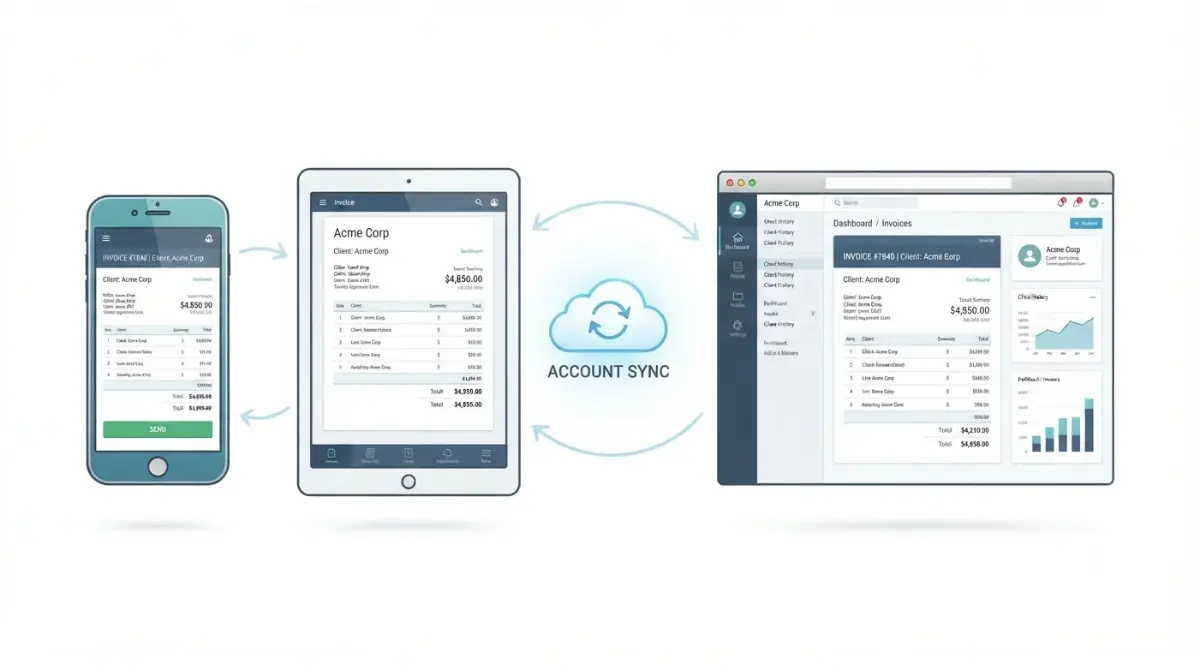
Table of Contents
Invoice Simple’s mobile app and web app run on one synced account, but its plan lists don’t agree. A comparison of public listings on 29 September 2026 found five mismatches: the web pricing page puts autofill in Essentials while the App Store and Google Play put it in Plus, and only the web page lists client signatures, deposits, and premium templates under Premium.
Is the Invoice Simple app different from the web version?
Invoice Simple runs as an iOS app, an Android app, and a browser-based web app, all on one account.
One account across phone and browser
Invoice Simple’s own announcement of the web app says your account syncs wherever you log in, across phone, tablet, and computer. Invoices and client details you create in one place appear in the other.
Three places to subscribe
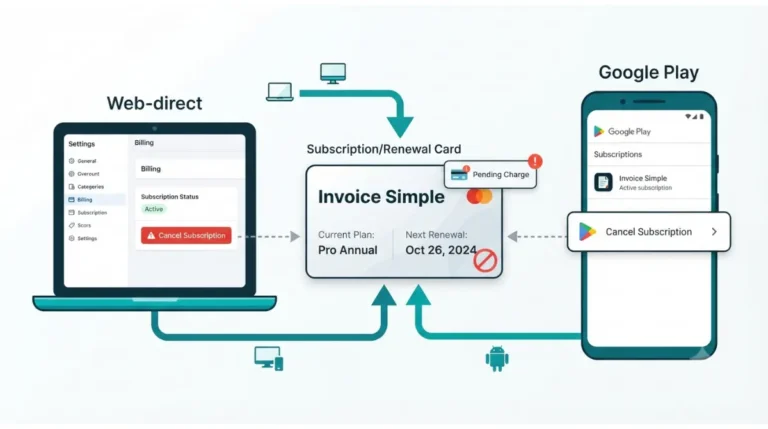
The device you invoice from and the place you pay are separate choices. Invoice Simple’s cancellation guide, dated 20 January 2026, names three billing routes: directly with Invoice Simple, through Google Play, or through Apple.
Each route has its own published plan description. On 29 September 2026 those descriptions did not match.
What each Invoice Simple plan includes on app vs web
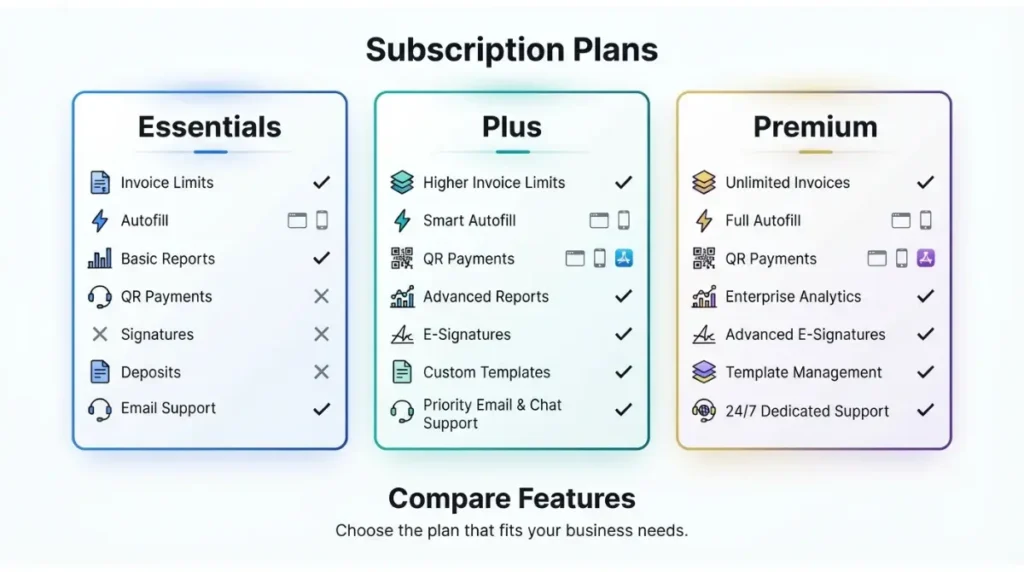
No, not on paper. Invoice Simple’s web pricing page, its App Store listing, and its Google Play listing described the same three plans differently on 29 September 2026.
The three plan lists side by side
| Plan item | Web pricing page | App Store (iOS v3.5.78) | Google Play | Who hits this |
|---|---|---|---|---|
| Price | Essentials $6.99/mo or $69.99/yr · Plus $14.99/mo or $149.99/yr · Premium $21.99/mo or $219.99/yr, USD (29 Sep 2026) | “Start at just $6.99”; per-plan prices not listed (29 Sep 2026) | No prices listed (29 Sep 2026) | Anyone comparing checkouts |
| Invoices per month | 3 / 10 / unlimited (29 Sep 2026) | 3 / 10 / unlimited (29 Sep 2026) | 3 / 10 / unlimited (29 Sep 2026) | Agrees on all three |
| Autofill client & item info | Essentials (29 Sep 2026) | Plus (29 Sep 2026) | Plus (29 Sep 2026) | Essentials buyers |
| QR code payments, expense tracking | Not listed under Essentials (29 Sep 2026) | Essentials (29 Sep 2026) | Essentials (29 Sep 2026) | Essentials buyers |
| Summary reports | Plus (29 Sep 2026) | Not listed (29 Sep 2026) | Not listed (29 Sep 2026) | Plus buyers |
| Client signatures, premium templates, deposits, restore previous invoices | Premium (29 Sep 2026) | Not listed (29 Sep 2026) | Not listed (29 Sep 2026) | Premium buyers |
| Priority first-response support | Not listed (29 Sep 2026) | Premium (29 Sep 2026) | Premium (29 Sep 2026) | Premium buyers |
🗓️ Pricing verified 29 September 2026. Software pricing changes frequently — confirm on the vendor’s site before purchasing.
Where they disagree
The five rows from autofill down are the mismatches. There is a fourth vendor description as well: the help centre’s Premium article, dated 16 July 2023, puts summary reports under Premium rather than Plus.
These are differences in published listings. We have not verified whether a subscription bought in the app unlocks different features from one bought on the web.
Which plan list to trust before you pay
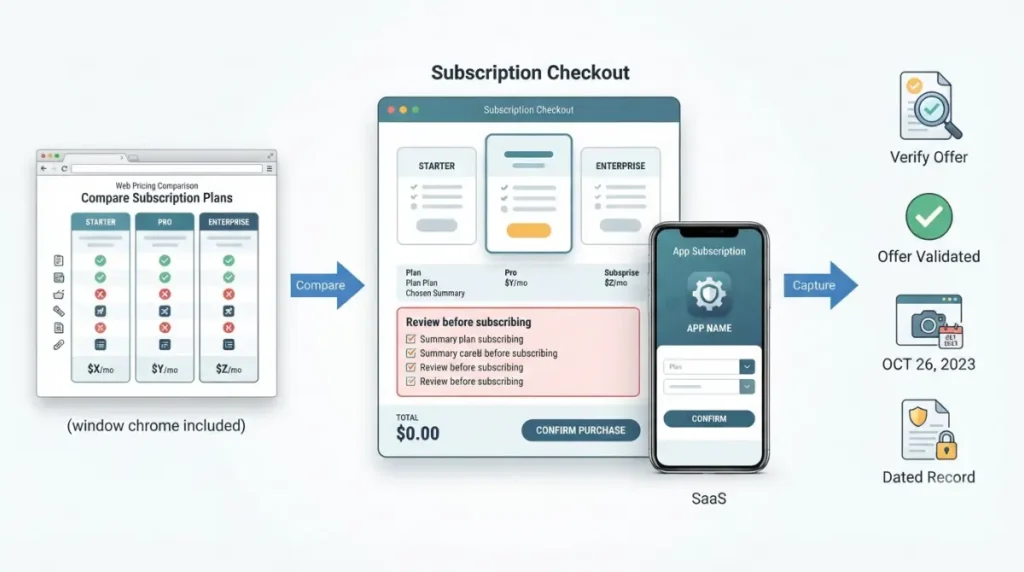
None of the Invoice Simple pages we retrieved on 29 September 2026 says which plan list takes precedence.
Check the plan screen where you’ll actually pay
Treat the screen you subscribe on as the offer, and save a dated screenshot of it before you pay. If a feature you need appears on one list but not another, email support@invoicesimple.com and get the answer in writing.
That email address is the one Invoice Simple gives in its refund policy article. A written reply is something you can point to later. A listing that has since been edited is not.
Local currency changes the number
The web prices in Section 2 are in USD, and Invoice Simple’s pricing page says prices may vary by local currency (29 Sep 2026). The App Store and Google Play listings we captured showed no per-plan prices. So we could not confirm whether in-app prices match the web in any region.
For what each tier costs over a year, see our Invoice Simple pricing breakdown.
The free trial isn’t described the same way everywhere
Invoice Simple’s free trial terms differ depending on which vendor page you read.
What the App Store says
The App Store listing (iOS v3.5.78, captured 29 Sep 2026) offers up to 2 free documents, with 1 sent to a customer, and no credit card required. The Google Play listing (captured 29 Sep 2026) says you can try it for free but states no terms.
What the help centre says
Invoice Simple’s free trial help article, dated 4 March 2025, describes 14 days of full Premium access for all users, with unlimited invoices and estimates.
We could not determine which description applies to a new signup today on either channel. Check the terms on your own signup screen. How the trial works end to end is covered in our Invoice Simple free trial guide.
Where you subscribe decides where you cancel
Cancel through the same channel you paid through. Invoice Simple’s cancellation guide (20 January 2026) routes each subscription differently:
- Bought directly with Invoice Simple: log in to the web app, open Settings, and select Cancel Subscription.
- Bought through Google Play: cancel from Google Play’s subscription page.
- Bought through Apple: on iPhone, open Settings, tap your name, then Subscriptions, per Apple’s cancellation guide (published 14 September 2026).
⚠️ This Costs You: Deleting the app does not end a store subscription. Google states that uninstalling an app won’t cancel its subscription, so renewals keep charging until you cancel in Google Play.
Refunds follow the same route
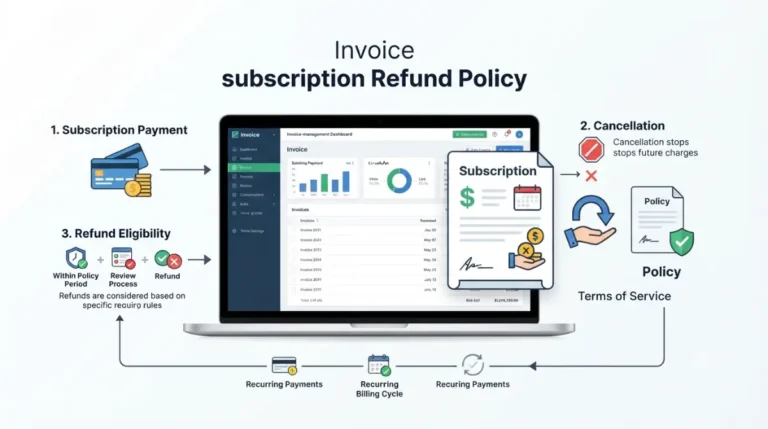
Invoice Simple’s refund policy article (22 February 2024) says its fees are non-refundable under its terms. It sends refund requests for App Store and Google Play purchases to Apple and Google. Our Invoice Simple refund policy page covers the rest.
🔍 Why It Works This Way: When you subscribe inside the app, Apple or Google takes the payment. That is why Invoice Simple’s help articles route both cancellations and refunds for store purchases to Apple or Google rather than handling them itself.
Cancelling isn’t deleting
Invoice Simple’s data article (19 November 2025) says invoices, estimates, and client information stay stored after cancelling. It says the same applies when you switch a subscription between iOS and Android.
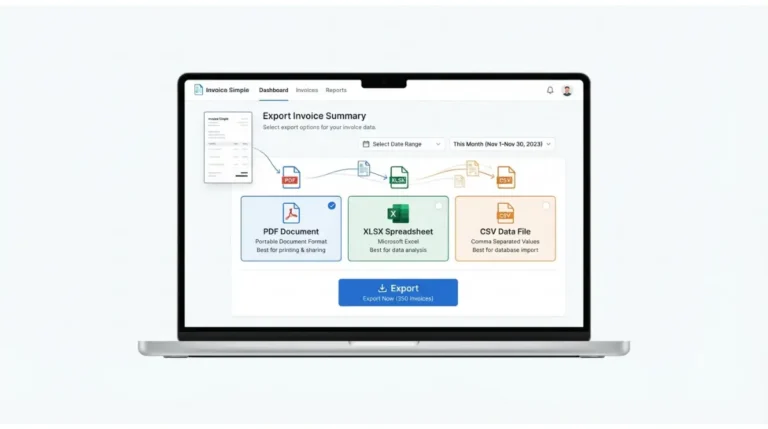
✅ Do This: Before cancelling, export an invoice summary from the app’s settings as a CSV, PDF, or spreadsheet file for your own records. The full walkthrough is in our guide to cancelling Invoice Simple.
Mobile vs web for everyday invoicing
The web app‘s gaps have never been listed publicly.
What the vendor has said about parity
Invoice Simple’s web-app launch post was first published 25 July 2017, per the page’s publication metadata, and was last updated 9 June 2026. It still says the web app is “currently in beta” with “a few gaps”. It does not name those gaps.
What only the phone listings mention
Both store listings mention importing client details from your phone contacts (captured 29 Sep 2026). No current Invoice Simple page we retrieved lists which features, if any, are missing from the web app.
🧾 Not Tested: We did not subscribe on any channel. We could not check whether an app-store subscription and a web subscription unlock different features, what the in-app price screens show, or how the web app compares with the mobile app in use. Everything above comes from Invoice Simple’s public pages and store listings as captured on the dates shown.
FAQ
1. Is the Invoice Simple app free?
The App Store listing (captured 29 Sep 2026) allows up to 2 free documents and 1 send without a card. After that, you need a paid plan.
2. Does Invoice Simple work on a computer?
Yes. Invoice Simple runs as a browser web app alongside the iOS and Android apps, all on one account.
3. Do the Invoice Simple app and web app sync?
Yes. Invoice Simple’s launch post says your account syncs wherever you log in, across phone, tablet, and computer.
4. Is Invoice Simple cheaper on the web than in the app?
We could not verify this. The App Store and Google Play listings captured on 29 Sep 2026 showed no per-plan prices.
5. Which Invoice Simple plan includes autofill?
The listings disagree. On 29 Sep 2026 the web pricing page put autofill in Essentials, while the App Store and Google Play put it in Plus.
6. Does Invoice Simple Premium include client signatures?
The web pricing page lists client signatures under Premium. Neither the App Store nor the Google Play Premium listing mentioned them on 29 Sep 2026.
7. How do I cancel an Invoice Simple subscription bought on iPhone?
Cancel through Apple: in Settings, tap your name, then Subscriptions. Invoice Simple’s help centre routes App Store subscriptions to Apple.
8. Does the Invoice Simple free trial differ on mobile?
The descriptions differ. The App Store lists 2 free documents, while Invoice Simple’s help article (4 Mar 2025) describes 14 days of Premium.
9. Do I lose my invoices if I cancel Invoice Simple?
No. Invoice Simple’s help article dated 19 Nov 2025 says invoices, estimates, and client information stay stored after cancelling.
The short version
Invoice Simple is one account on phone and browser, but it’s sold under plan lists that disagree. Choose where you pay on purpose. Screenshot the plan screen before subscribing, and cancel through the channel that bills you.
Whether the plans justify their cost at all is the subject of our look at whether Invoice Simple is worth it once you count the real cost.