Zoho Books Bank Feed Not Working? Reconnect With Plaid or Yodlee
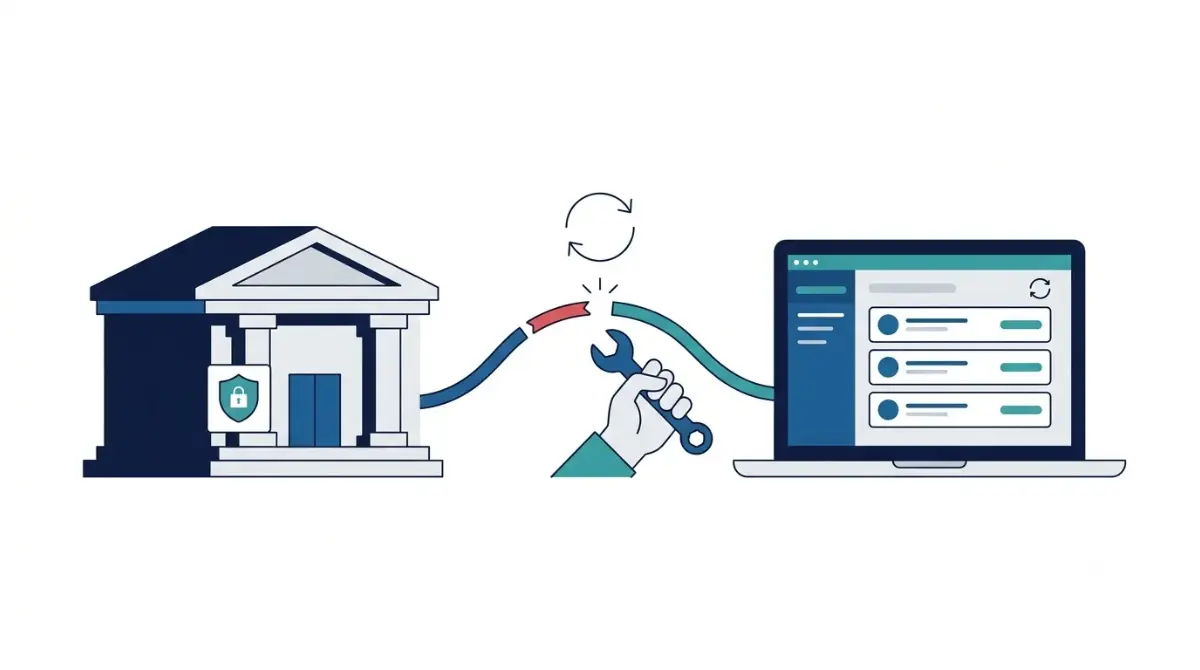
Table of Contents
Zoho’s US help page, read 15 October 2026, says feeds fetch automatically every 24 hours only for banks without multi-factor authentication. MFA banks need a manual refresh, which Zoho limits to once a day. Try Update Credentials, then Refresh Feeds. If that fails, reconnect through Plaid (US and Canada editions) or Yodlee, then match your bank’s error code to Zoho’s list.
🧾 Not Tested: This page records what Zoho’s documentation says, read 15 October 2026. We did not perform these steps in a Zoho Books account.
Which Zoho Books bank feed setup do you have?
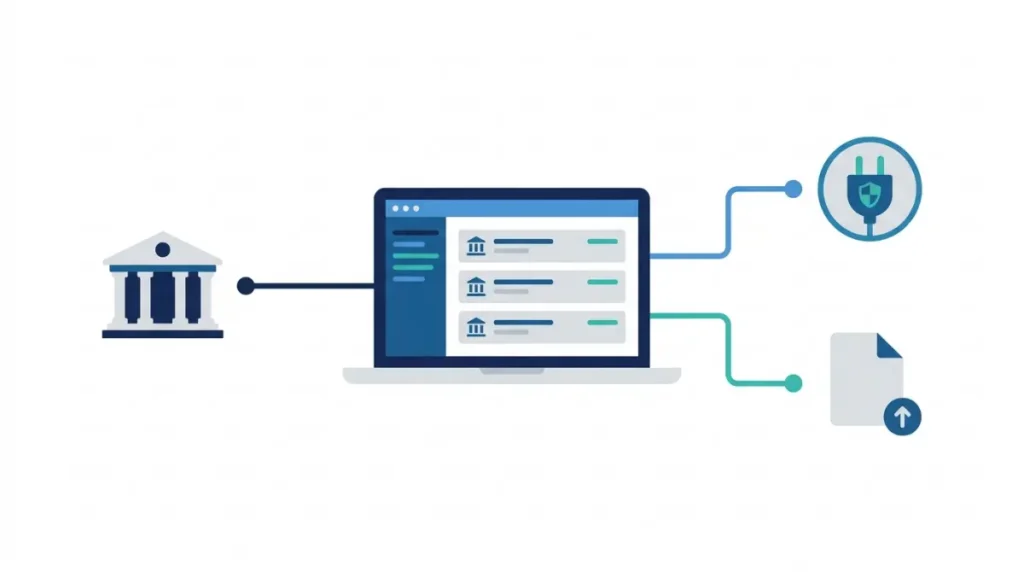
Your plan, edition and bank decide the fix.
Free plan: there is no feed to fix
Zoho’s plan comparison page, read 15 October 2026, shows third-party bank feeds as No for Free and Yes for every paid plan. Zoho’s bank-support article says you can import statements manually; more in what the Free plan leaves out.
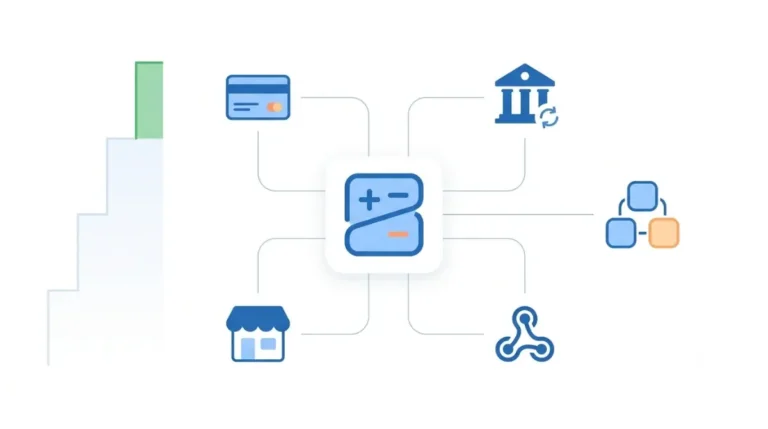
US or Canada: Plaid or Yodlee
Zoho’s help page, read 15 October 2026, says the Plaid integration is for US and Canada editions; a bank missing from Plaid’s list needs another provider. See which plan includes bank feeds and Zoho Books pricing and Free plan limits.
Bank not listed or outside US/Canada
The bank-support article, read 15 October 2026, says to repeat the search with Token as provider. The US help page omits Token; open your edition’s page.
Why Zoho Books bank feeds stop syncing
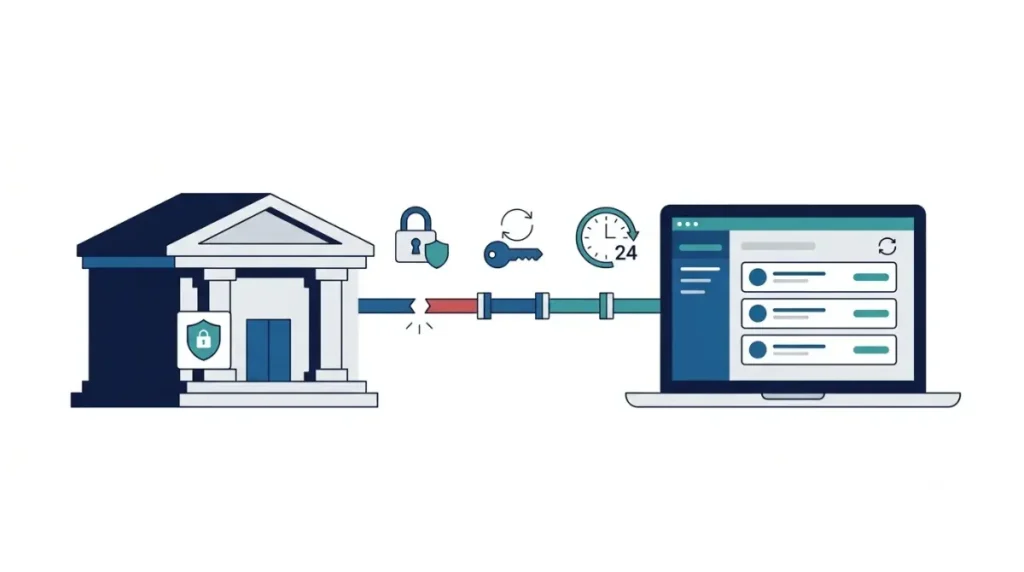
Zoho names three causes.
MFA banks do not auto-refresh
Zoho’s knowledge base, read 15 October 2026, says the bank will not let Zoho Books fetch feeds automatically until authentication is cleared.
Changed passwords and credentials
Zoho’s help page, read 15 October 2026, lists two update cases: changed login credentials, or a new bank password. Plaid’s documentation, read the same day, adds changed or expired multi-factor settings; Zoho does not say whether Zoho Books shows that error.
A day behind is normal
Zoho’s help page, read 15 October 2026, says a fetch today shows yesterday’s transactions. It says non-MFA banks fetch every 24 hours; the knowledge base says at login. Zoho does not say which applies.
Update credentials, then refresh feeds in Zoho Books
These steps apply to a US-edition account on a paid plan, per Zoho’s troubleshooting article, read 15 October 2026. Other editions: use your help page.
Update credentials, then refresh
💵 Verified: Manual refresh is limited to once a day — Zoho’s US help page, retrieved 15 October 2026.
- In Banking, select the account with the broken feed.
- Click the gear icon (Zoho’s knowledge base calls it Settings), choose Update Credentials, enter your credentials, click Continue.
- Click the gear icon, choose Refresh Feeds; enter the Security Key if asked.
Reconnect with Plaid (US and Canada)
Zoho does not say whether to deactivate the broken feed first.
- Click Add Bank or Credit Card, then Connect Now.
- Choose Plaid, accept the end user terms, click Proceed, then Continue.
- Search for your bank, sign in, select accounts and a start date, click Add.
Yodlee “Upgrade Now” and Chase or Capital One
If Banking Overview shows Upgrade Now under your bank, Zoho says to reconnect within 30 minutes of clicking Proceed (read 15 October 2026). That section is undated: follow it only if the banner appears.
🛟 Back This Up First: This route starts with Deactivate Feeds; Zoho does not say what that does to imported transactions. Note your newest transaction’s date and bank balance first.
For Chase or Capital One through Yodlee in a US edition:
- Choose Deactivate Feeds from the gear icon, then Activate Feeds.
- Accept the terms, click Proceed, search for your bank in the Yodlee list.
- Click Edit Connection, Update, Continue; authorize Zoho Books at your bank; map the accounts and click Add.
Zoho Books bank feed error codes: what Zoho says to do
From Zoho’s US error list, read 15 October 2026: a noindex page, no date, completeness not claimed.
Codes where you act at your bank
| Code | Cause, per Zoho | Zoho’s action (read 15 Oct 2026) |
|---|---|---|
| 402 | Credentials rejected | “re-verify your credentials by logging in to your bank’s website” |
| 406 | Extra bank step | Log in and see “if you’re prompted for any actions” |
| 407 | Account locked | “visit the bank’s website to resolve this issue” |
| 416 | Other session open | “log out from those sessions and try again” |
| 428 | New bank terms | “log in to the bank’s website, read and accept” them |
Codes where Zoho says wait or retry
Zoho’s error list, read 15 October 2026, calls code 403 a Yodlee component issue: “try again after 6-8 hours.” Code 404, same cause: “try again after 30 minutes.”
Codes that mean remove the account
🛟 Back This Up First: Zoho does not say what removing an account does to imported transactions. Note your newest transaction’s date and bank balance first.
Code 411: “Remove this account from the Zoho Books service.” Code 417: “Remove this site and then add it as a manual account.” Code 422: verify the bank’s site shows the account closed, then “remove the account.”
When the break is on Zoho’s or your bank’s side
Zoho’s help page, read 15 October 2026, says bank feed availability depends on bank or provider connectivity.
Zoho or provider outage
Zoho’s US status page, read 15 October 2026, lists Zoho Books but no bank-feed component.
Bank-side trouble
Zoho’s troubleshooting article says to try your bank’s website and, if that fails, contact your bank.
When to contact Zoho support
Stop self-service when Update Credentials, Refresh Feeds and a reconnect fail and your bank’s site works.
What to do when a Zoho Books bank feed keeps breaking
After any bank password change, run Update Credentials; for codes 416 and 428, see the table above.
Duplicates after reconnecting
Zoho’s duplicate-feeds article, read 15 October 2026, says a provider glitch can cause duplicate feeds.
🛟 Back This Up First: Step 3 deactivates automatic fetching; Zoho does not say what that does to imported transactions. Note your newest transaction’s date and bank balance first.
- Check duplicates against your bank statement, then exclude them.
- If your bank uses MFA, do not refresh manually.
- If not, and automatic feeds are on, deactivate automatic fetching, then write to Zoho support.
The manual fallback
Zoho’s bank-support article says you can import statements manually.
Zoho Books bank feed questions
1. How often does Zoho Books fetch bank feeds, and why am I a day behind?
Zoho’s help page, read 15 October 2026: every 24 hours for non-MFA banks; fetches show the previous day.
2. Can I refresh Zoho Books bank feeds more than once a day?
No. Zoho’s help page, read 15 October 2026, limits manual refresh to once a day.
3. How do I update my bank credentials in Zoho Books?
Select the account in Banking, click the gear icon, choose Update Credentials, click Continue (Zoho, read 15 October 2026).
4. What does Zoho Books error 402 mean?
Zoho’s error list, read 15 October 2026: the bank rejected the credentials; re-verify them on your bank’s website.
5. How do I reconnect Chase or Capital One in Zoho Books?
Zoho’s help page, read 15 October 2026: Deactivate Feeds, Activate Feeds, search the Yodlee list, Edit Connection, Update.
6. Does Zoho Books Free include bank feeds?
No. Zoho’s plan comparison, read 15 October 2026, shows third-party bank feeds as No on Free, Yes on paid plans.
7. Why does Zoho Books show duplicate bank transactions?
Zoho, read 15 October 2026, says a provider glitch can cause duplicates; check your statement, then exclude them.
8. What if my bank is not listed in Zoho Books?
Zoho, read 15 October 2026: Plaid does not support unlisted banks; try Token, or import statements manually.
9. Is Plaid available outside the US and Canada in Zoho Books?
Zoho’s help page, read 15 October 2026, says Plaid is for US and Canada editions.
The order Zoho’s pages give
Update Credentials, Refresh Feeds, reconnect, then match the code: the order in Zoho’s pages, read 15 October 2026. This page does not cover Token or UK and EU feeds.