Move From Invoice Simple to Invoice2go (and Back)
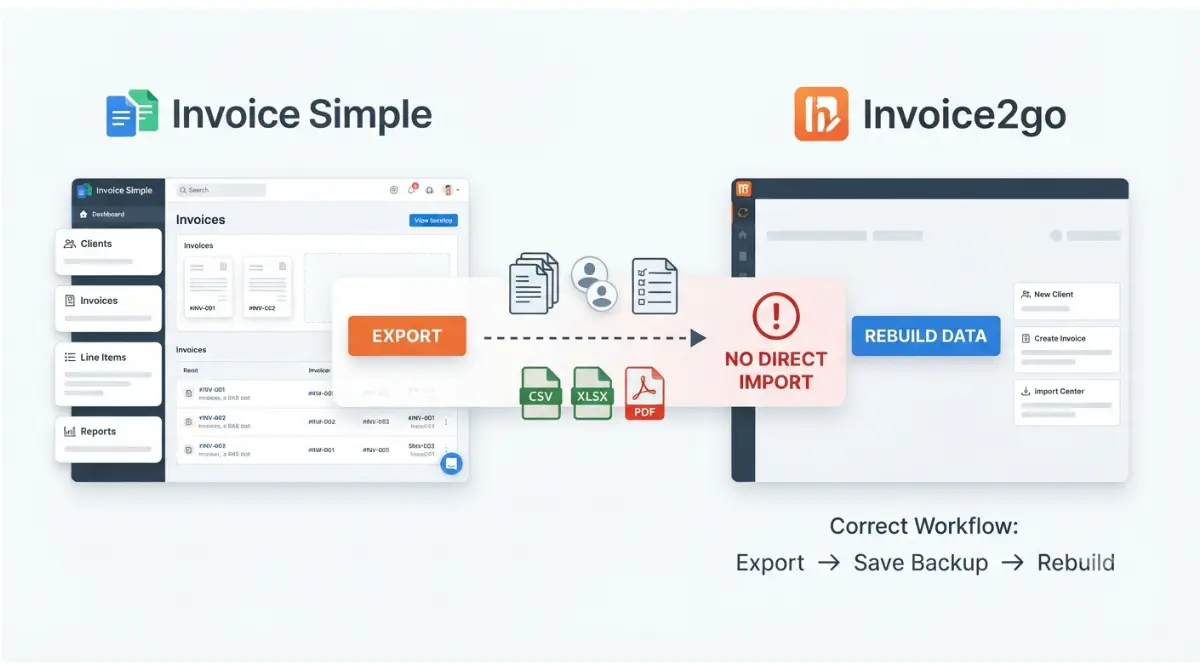
Table of Contents
As of 28 September 2026, neither app imports the other’s files. Invoice2go’s pricing page lists QuickBooks as its only import source, and Invoice Simple documents phone-contact import, not file import. Moving either way means exporting your history as CSV, XLSX or PDF for your records, then re-entering clients and items by hand in the new app. Export before you cancel.
Is there a direct way to move between the two apps?
No. Neither vendor documents a file import from the other, so every move follows the same pattern: export, then rebuild.
Going from Invoice Simple to Invoice2go
You export a summary of your invoice history and keep it as your record. Then you recreate clients, items and any unpaid invoices inside Invoice2go.
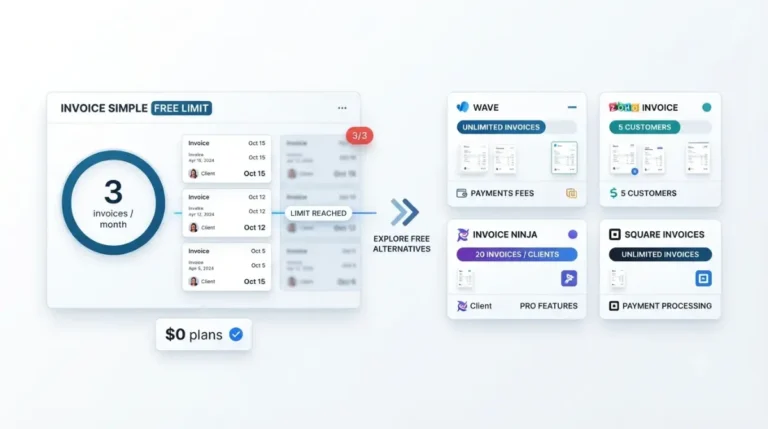
If cost is what’s pushing you out, check what Invoice Simple charges on each plan first. Weigh it against what switching actually costs you.
Going from Invoice2go back to Invoice Simple
The same pattern runs in reverse. Invoice2go exports CSV files, and Invoice Simple has no documented file import. Section 5 covers which account states still let you reach your data.
What Invoice Simple lets you export
Invoice Simple’s export is a summary export, and that word shapes everything after it.
Exporting your invoice summary
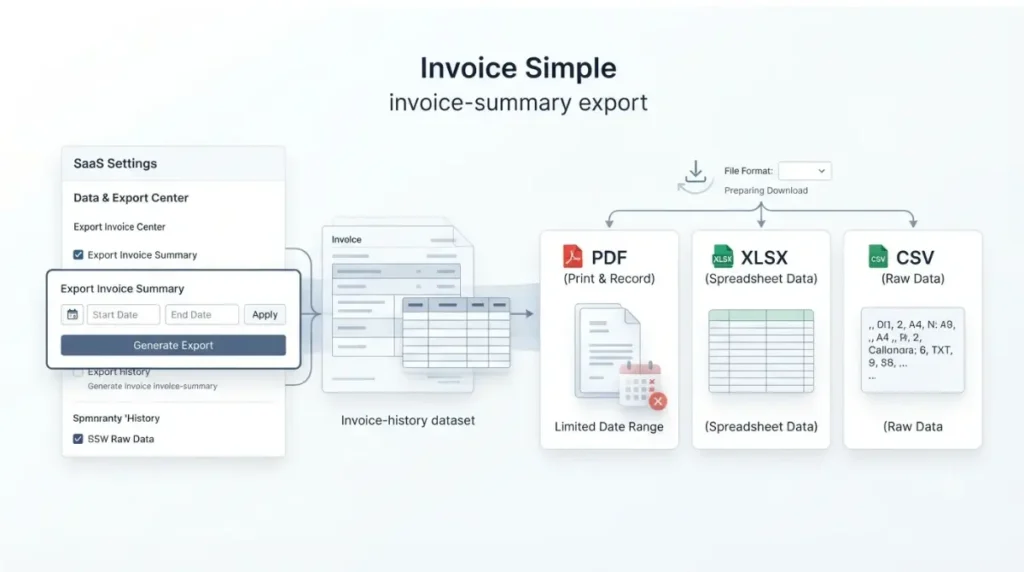
These steps come from Invoice Simple’s export help article (dated 22 July 2025, retrieved 28 September 2026):
- Open Settings and choose Export Invoice Summary under the Invoice heading.
- Pick a date range and a format: PDF, XLSX or CSV.
- Select Export to save the file to your device.
PDF exports are limited to two months of data per file. The limit applies only to PDF.
Exporting expenses and receipts
Export Expense Summary works the same way. If you include receipt images, they’re emailed to your account’s business address rather than downloaded.
What the export doesn’t cover
We could not open an export file. That means we can’t confirm whether it includes line items or full client addresses. Export both CSV and PDF; our full Invoice Simple backup walkthrough covers each format.
What Invoice2go will and won’t accept
Invoice2go documents exactly one import source: QuickBooks Online.
The only documented import source
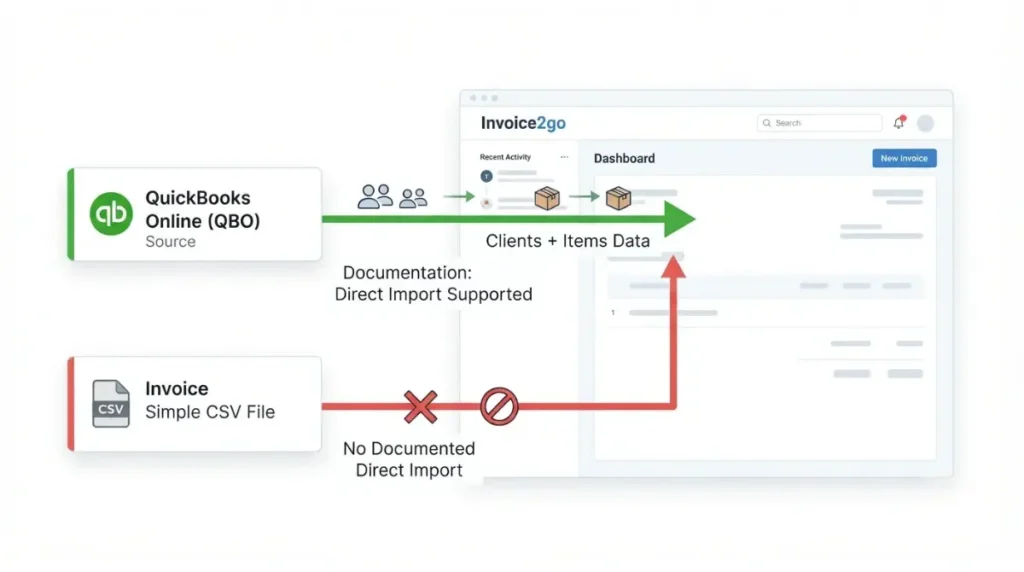
Invoice2go’s pricing FAQ, retrieved 28 September 2026, says clients and other data import from QuickBooks. It describes imports from other sources as still being worked on.
The QuickBooks import brings across clients and items. It skips any whose name already exists in Invoice2go.
Which plans can use it
Invoice2go’s compare table, retrieved 28 September 2026, marks accounting integrations as unavailable on Starter and included on Professional and Premium. Setup runs only in the web app.
We could not confirm that Invoice Simple’s summary CSV imports into QuickBooks, so we don’t present QuickBooks as a bridge between the two apps.
The two-direction transfer map
| Data | Out of Invoice Simple | Into Invoice2go | Out of Invoice2go | Into Invoice Simple |
|---|---|---|---|---|
| Invoice history | Summary export, PDF/XLSX/CSV · 28 Sep 2026 | No documented import · 28 Sep 2026 | CSV, web only · 28 Sep 2026 | No documented import · 28 Sep 2026 |
| Clients | Not separately documented · 28 Sep 2026 | QuickBooks only, Professional/Premium · 28 Sep 2026 | CSV, web only · 28 Sep 2026 | Phone contacts only · 28 Sep 2026 |
| Items | Not separately documented · 28 Sep 2026 | QuickBooks only, Professional/Premium · 28 Sep 2026 | CSV, web only · 28 Sep 2026 | No documented import · 28 Sep 2026 |
| Expenses | Summary export, PDF/XLSX/CSV · 28 Sep 2026 | No documented import · 28 Sep 2026 | CSV, web only · 28 Sep 2026 | No documented import · 28 Sep 2026 |
How to rebuild your records in Invoice2go
The rebuild is manual, so the order you do it in decides what you can lose.
🛟 Back This Up First: Run the Invoice Simple invoice and expense exports in both CSV and PDF, and save the files somewhere other than your phone before you cancel or delete anything.
Before you touch anything: export twice
Section 2 covers the export steps. Two formats protect you if one of them turns out to be missing fields.
Re-enter clients and items first
An Invoice2go client profile holds name, email, billing address, contact name, phone, mobile, website, tax number, payment terms and notes (help article retrieved 28 September 2026).
Two Invoice2go pages disagree on client limits. The pricing page lists unlimited clients on every plan, while that help article says the client count follows your plan’s quota.
Open invoices vs paid history
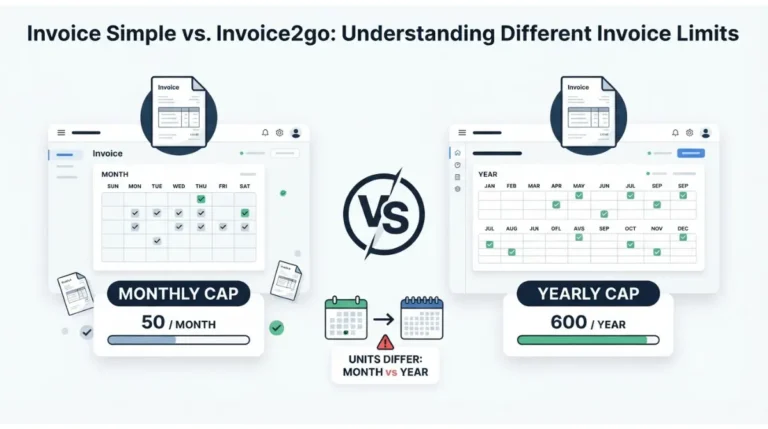
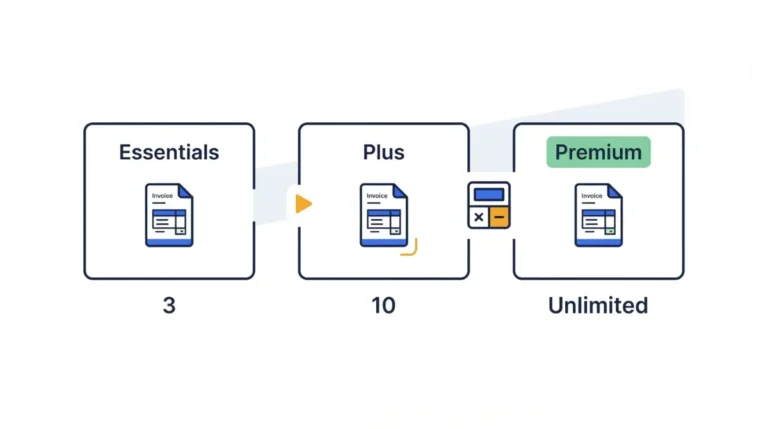
Invoice2go allows 30 invoices a year on Starter and 100 on Professional; Premium is unlimited (per the pricing page, 28 September 2026). We could not confirm whether re-entered past invoices count against those caps.
✅ Do This: Recreate only unpaid invoices. Keep paid history as your exported files, and check your tax authority’s record-keeping rules for how long to hold them.
Moving back from Invoice2go to Invoice Simple
The route back depends on whether each account is still active.
🛟 Back This Up First: Export every Invoice2go data type you need before cancelling, and store the emailed files outside your inbox.
Exporting from Invoice2go
These steps come from Invoice2go’s Export Company Data article, retrieved 28 September 2026:
- In the web app, open your Company name.
- Go to Account & settings, then Export data.
- Choose a data type and select Export.
The file arrives by email as a compressed CSV. Repeat these steps for invoices, estimates, clients, items and expenses.
If your subscription has lapsed
Per its pricing FAQ (28 September 2026), a deactivated account can view lists but not individual documents, and can still export all account data from the web. The same page offers a full refund if you cancel within 30 days.
What Invoice Simple kept while you were gone
Invoice Simple says invoice history, estimates and client information stay stored after cancellation and remain accessible by login (dated 19 November 2025, retrieved 28 September 2026). This doesn’t cover an account you deleted.
For new clients, Invoice Simple offers phone-contact import only. If you haven’t left yet, see how to cancel Invoice Simple without losing records.
Which steps need a computer, not the app
Several steps in this move have no mobile equivalent.
Invoice2go’s web-only steps
- Data export works only on the web, per Invoice2go’s export article (28 September 2026).
- QuickBooks setup, including the client and item import, is also web-only, per its import article (28 September 2026).
- Switching between multiple accounts runs the other way: it works in the iOS and Android apps but not on the web, per the pricing FAQ (28 September 2026).
Where Invoice Simple’s export lives
The export sits under Settings. Invoice Simple’s article doesn’t say whether that applies on web, mobile or both, and we could not confirm it.
🧾 Not Tested: We hold no Invoice Simple or Invoice2go account. Export file contents, client-quota behaviour, and whether re-created invoices use Invoice2go’s annual caps are documented gaps, not observations.
FAQ
1. Does Invoice2go import from Invoice Simple?
No. As of 28 September 2026, Invoice2go documents QuickBooks Online as its only import source, on Professional and Premium plans.
2. Can I export my clients from Invoice Simple?
Invoice Simple documents an invoice summary export in PDF, XLSX or CSV. We could not confirm whether it includes full client details.
3. What happens to my Invoice Simple data if I cancel?
Invoice Simple’s help center says invoice history, estimates and client information stay stored and accessible by login after you cancel.
4. Can I export Invoice2go data after my subscription ends?
Yes. Invoice2go says a deactivated account can still export all account data from its web platform, as of 28 September 2026.
5. Is Invoice2go’s data export available on mobile?
No. Invoice2go documents data export as web-only, with the CSV file emailed to you, as of 28 September 2026.
6. Why can I only export two months as PDF from Invoice Simple?
Invoice Simple limits PDF summary exports to two months per file. The limit applies only to PDF, not CSV or XLSX.
7. Does Invoice2go import clients from QuickBooks?
Yes. Its QuickBooks Online integration imports clients and items, skips names that already exist, and is set up only on the web.
8. Can I bring phone contacts into Invoice Simple?
Yes. Invoice Simple documents importing client details from phone contacts, but no file import, as of 28 September 2026.
Before you switch
Export from the app you’re leaving in every format it offers, and keep the files off your phone. Rebuild clients and items by hand, recreate only unpaid invoices, and keep paid history as files.
Leaving Invoice2go? Run its web export before the subscription lapses. If Invoice2go publishes an import from other apps, this page changes at the next check.