How to Cancel a Zoho Books Subscription and What Happens to Data
Table of Contents
🧾 Not Tested: Cancellation steps, notice terms, refund windows and data limits on this page were captured from Zoho’s own pages on 10 October 2026. No hands-on testing: no one on the team has opened a Zoho Books organization, so no cancellation screen was observed. Everything below is documented, not experienced.
How to cancel Zoho Books: the short answer
To cancel Zoho Books, open Settings, then Manage Subscription, then Change Plan, hover Free Plan and click Downgrade; Zoho’s cancel-and-downgrade help page (read 10 October 2026) labels cancelling that way. Ticking the end-of-cycle box cancels at the end of the billing cycle; unticking it cancels immediately. Zoho’s cancelled-subscription FAQ (read 10 October 2026) says an account inactive over 120 days is permanently deleted, so export first.
Check which Zoho subscription you have first
This page covers a standalone Zoho Books subscription only.
Standalone Zoho Books, not another Zoho product
Other Zoho products are out of scope.
Trial, paid or Free plan
Zoho’s cancel help page and FAQ (read 10 October 2026) give no free trial steps. Zoho’s Terms of Service (last updated 2 March 2022, read 10 October 2026) say trial data is permanently lost unless you buy the paid plan, buy applicable upgrades or export it before the trial ends. Trial questions belong on the Zoho Books free trial page.
Which edition these steps follow
Steps follow Zoho’s US-edition help pages (read 10 October 2026).
How to cancel a Zoho Books subscription, step by step
Zoho’s help page (read 10 October 2026) routes cancelling through a downgrade to the Free Plan; its steps name no Cancel button.
🛟 Back This Up First: Data left idle after cancelling can be deleted permanently. Run the three backups in the next section first.
The documented path, click by click
- Log in to your Zoho Books organization.
- Go to Settings.
- Select Manage Subscription under Organization.
- On Subscription Details, click Change Plan or Upgrade Plan, which opens the Zoho Store page.
- Click Change Plan under Manage Subscription.
- Hover over Free Plan and click Downgrade.
- Tick or untick “Downgrade automatically at the end of the current billing cycle”.
- Click Confirm Downgrade.
Cancel now or at the end of the billing cycle
Ticked, the box cancels when the billing cycle ends; unticked, it cancels immediately (Zoho’s page, read 10 October 2026). Zoho’s pages do not say whether access changes in between.
Downgrade to a cheaper paid plan instead
Follow steps 1 to 5, click Downgrade under the plan’s name, then Confirm. See Zoho Books pricing by plan.
Export or back up your Zoho Books data first
Zoho’s data backup page lists three backups.
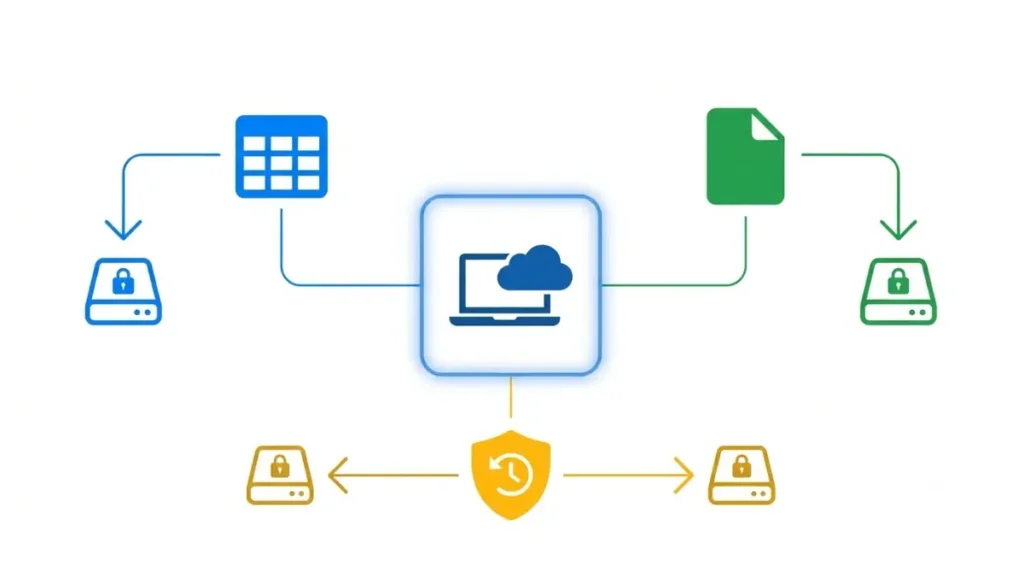
⚠️ This Costs You: A late backup can leave you without a copy: each type allows one run per 15 days (read 10 October 2026).
| Backup | Covers | Limits |
|---|---|---|
| Data backup | Your data (CSV or XLS) | Emailed link lasts 30 days (10 Oct 2026) |
| Document backup | Files attached since last backup (ZIP) | Link lasts 30 days (10 Oct 2026) |
| Audit-trail backup | Activity since last backup (ZIP) | Link lasts 60 days (10 Oct 2026) |
Export one module (first 25,000 rows)
In a module’s list page, click More, then Export. Zoho’s export page (read 10 October 2026) covers only the first 25,000 rows; larger data needs a backup.
Full backup: data, documents, audit trail
Open Settings, Extension and Developer Data, then Data Management; on the Backup Data tab, click Backup Your Data. Zoho’s pages label this menu differently, so follow your screen.
The 15-day wait and the 30-day link
A data backup takes up to 30 minutes, and the next run cannot start for 15 days (read 10 October 2026).
What happens to your Zoho Books data after you cancel
Zoho’s FAQ (read 10 October 2026) says your data stays but is view-only.
⚠️ This Costs You: Data left idle after cancelling can be deleted permanently.
View-only mode: what Zoho says
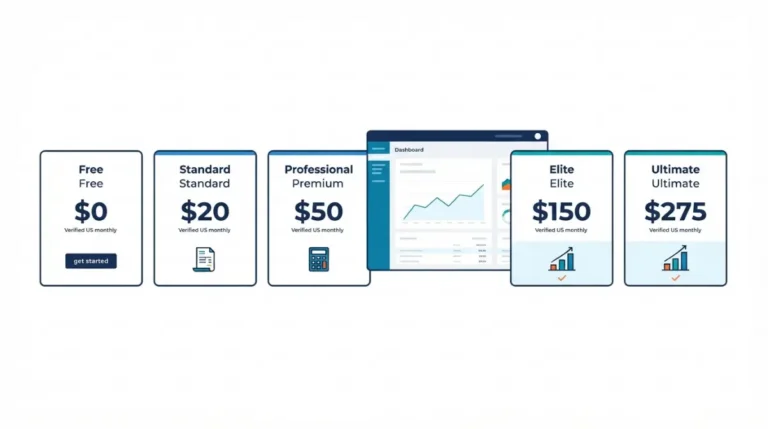
Zoho’s cancel help page and FAQ do not say how a Free Plan downgrade fits with view-only mode. The Free Plan’s limits are in Zoho Books pricing and the costs past the Free plan.
The 120-day inactivity language in Zoho’s Terms
| Document | 120-day wording |
|---|---|
| FAQ (read 10 Oct 2026) | Inactive over 120 days: data “permanently deleted”; no notice named. |
| Terms (last updated 2 Mar 2022; read 10 Oct 2026) | Unpaid accounts inactive for a continuous 120 days: Zoho may terminate, promising “prior notice” and an “option to back-up your data.” |
Per the Terms, an account is not inactive while any user is active. Neither document says how it relates to the other.
Cancelling is not deleting your organization
Zoho’s Delete Organization page (read 10 October 2026) says all data is permanently deleted and strongly recommends a backup first. It does not mention billing.
Refund windows and when to cancel before renewal
Zoho’s Terms (last updated 2 March 2022) say to tell Zoho at least seven days before renewal; Zoho’s refund policy adds windows.
| Step | Window |
|---|---|
| Notice to Zoho (Terms) | At least seven days before the renewal date (10 Oct 2026) |
| Full refund if dissatisfied, monthly (policy) | First month (10 Oct 2026) |
| Full refund if dissatisfied, annual (policy) | First 45 days (10 Oct 2026) |
| Cancel after a renewal (policy) | Up to five business days (monthly) or fifteen days (annual) for a full refund, none afterwards (10 Oct 2026) |
Tell Zoho at least 7 days before renewal
The refund policy, which shows no date, says plans auto-renew until cancelled. The Terms say renewal stops if you downgrade to a free plan or tell Zoho you will not renew. Zoho’s pages do not say which rule prevails.
✅ Do This: Find your next renewal date in Zoho’s post-payment receipt email (refund policy, 10 Oct 2026); cancel at least seven days before it.
Full-refund windows, monthly and annual
Refund questions go to payments@zohocorp.com.
Downgrade credit is not a cash refund
A partial annual downgrade earns credit as a subscription extension, not cash (refund policy, read 10 October 2026). For per-user costs, see Zoho Books cost per user.
What Zoho’s pages don’t say, and who to ask
Zoho’s pages read on 10 October 2026 leave four questions open.
Four questions Zoho’s pages leave open
- How a Free Plan downgrade fits with view-only mode.
- Whether a full cancellation outside every window earns credit.
- Whether Delete Organization stops billing.
- What happens beyond the Free Plan’s allowance after a downgrade.
If a charge still arrives after you cancel
The pages read name no contact beyond payments@zohocorp.com.
Keep Zoho’s answer in writing
Put each open question to Zoho in writing and keep the dated reply. For tax or record questions, ask your accountant.
Zoho Books cancellation FAQ
1. Is there a cancel button in Zoho Books?
Zoho’s help page (read 10 October 2026) routes cancelling through Downgrade on the Free Plan, not a Cancel button.
2. Can I cancel Zoho Books immediately?
Yes. Untick the end-of-cycle box before Confirm Downgrade to cancel Zoho Books immediately (Zoho’s help page, read 10 October 2026).
3. What happens to my data after I cancel Zoho Books?
Your data after you cancel Zoho Books stays but is view-only, per Zoho’s FAQ (read 10 October 2026).
4. How long before Zoho deletes my data after cancelling?
Zoho’s FAQ says over 120 days inactive means permanent deletion; the Terms add notice and a backup option (both read 10 October 2026).
5. Does cancelling delete my Zoho Books organization?
No. Cancelling and Delete Organization are separate; deleting permanently removes all data (Zoho’s page, read 10 October 2026).
6. How do I back up my Zoho Books data before cancelling?
Back up Zoho Books data under Settings, Extension and Developer Data, Data Management; links expire 30 days after backup (read 10 October 2026).
7. Is there a limit on exporting Zoho Books data?
Yes. A module export covers the first 25,000 rows; larger data needs a backup (Zoho’s export page, read 10 October 2026).
8. Does Zoho Books auto-renew?
Yes. Zoho Books auto-renews until cancelled; the Terms say to tell Zoho at least seven days before renewal (read 10 October 2026).
9. Can I get a refund after cancelling Zoho Books?
Refunds: first month (monthly) or 45 days (annual); five business days (monthly) or fifteen days (annual) after renewal (read 10 October 2026).
10. How do I cancel a Zoho Books free trial?
Zoho’s cancel pages (read 10 October 2026) give no trial steps; Terms say trial data is lost unless you buy, upgrade or export.
What to do next
Back up first, because Zoho limits backups. Then cancel with the option that fits your renewal date. Last, put open questions to Zoho in writing.