How to Migrate QuickBooks to Zoho Books and What Zoho Skips
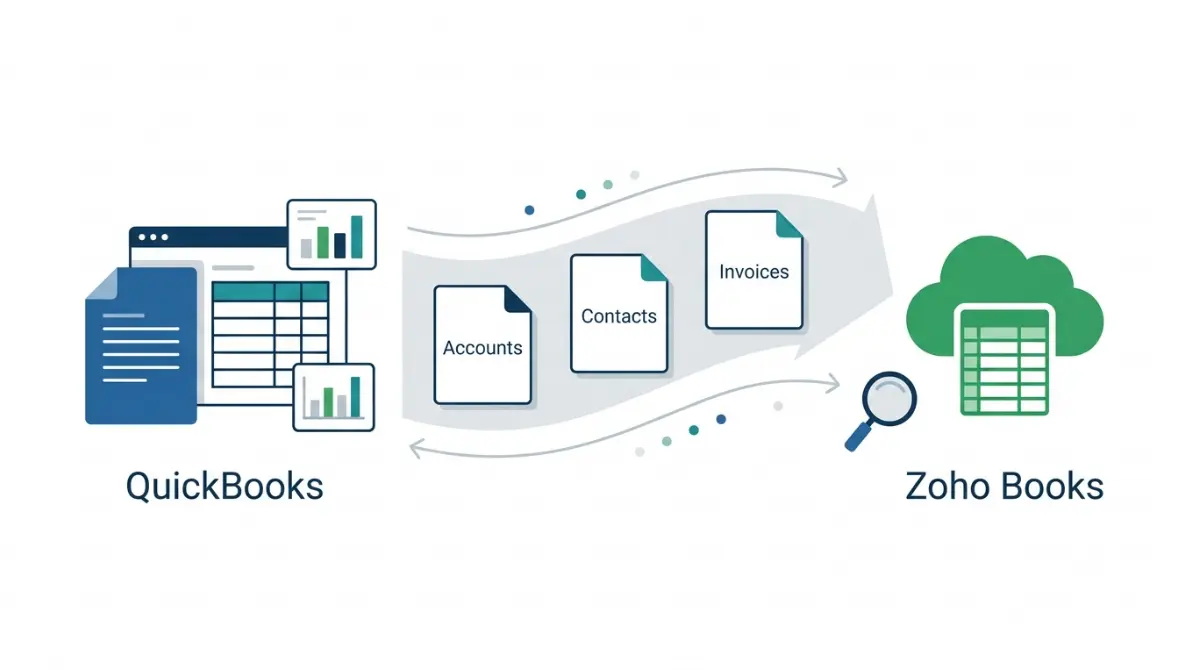
Table of Contents
As of 13 October 2026, Zoho’s US guide for QuickBooks Online names eight reports to export and has eight import sections, ending with a sync against opening balances. Accounts, contacts, items, bills and balances import. Zoho says deposits and fund transfers are not directly supported. Some imported records depend on your plan.
Which route moves QuickBooks into Zoho Books
The route depends on your QuickBooks product and your Zoho edition.
QuickBooks Online: reports out, steps in
Zoho’s guide is manual: export named reports, then follow its import steps in order.
QuickBooks Desktop: files into the importer
Zoho’s importer accepts CSV, TSV and XLS only, per its import help read 13 October 2026. Intuit’s Desktop article says customer and vendor lists, the Item List and reports export as CSV.
Free help and edition differences
Zoho’s migration page, read 13 October 2026, says “Free migration for all businesses” with a free consultation, and states no conditions. Zoho’s India-edition guide describes a QBO Migration module enabled on request. The US guide describes none, and neither page says whether US accounts can get it.
What data carries over from QuickBooks to Zoho Books
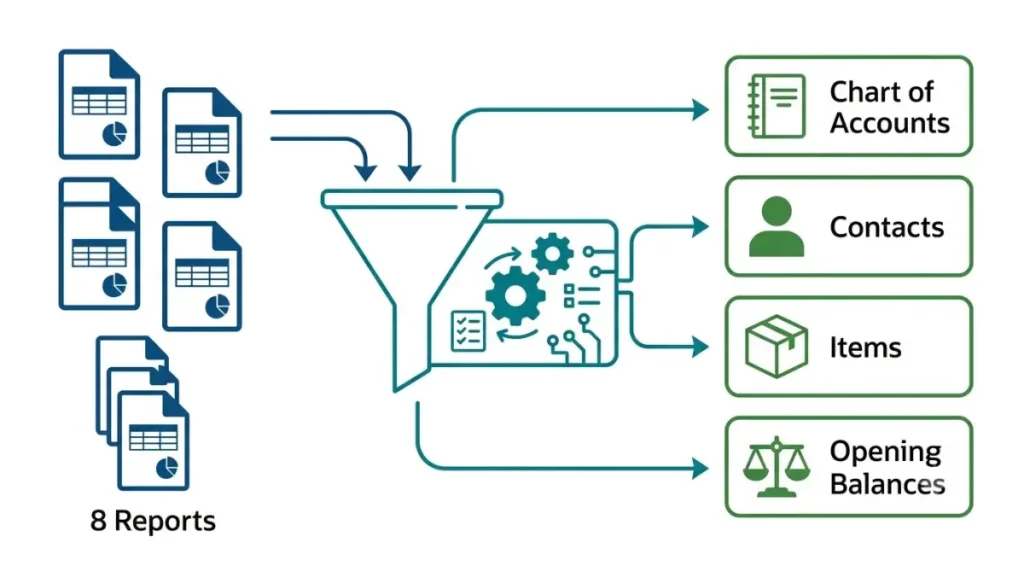
Zoho’s US guide, read 13 October 2026, lists eight reports to export and has eight headed import sections. The counts are ours; Zoho states neither.
The eight reports to export
Accounts List, Customer Contact List, Vendor Contact List, Products/Services List, Inventory Valuation Detail, Trial Balance, Sales by Product Service and Purchases by Product Service. Foreign-currency customers and vendors need one A/R or A/P report per currency.
The eight import sections
Chart of Accounts, Configure Settings, Customers and Vendors, Items, Bank or Credit Card Accounts, Opening Balances, Purchases and Sales, Sync Transactions.
How Zoho remaps fields and accounts
| QuickBooks data | Zoho step | Guide says (13 Oct 2026) |
|---|---|---|
| Accounts | Chart of Accounts | Cost of Sales becomes Cost of Goods Sold |
| Customers | Customers and Vendors | Five fields map to custom fields |
| Stock items | Items | Stock value creates opening balances |
| Open invoices | Opening Balances | Covered by customer balances |
| Bills | Purchases | Import bills, then payments, then advances |
| Deposits, transfers | None | Not directly supported |
What changes or does not arrive from QuickBooks
Zoho’s import notes, read 13 October 2026, say Zoho does not directly support importing deposits and fund transfers; you enter them yourself.
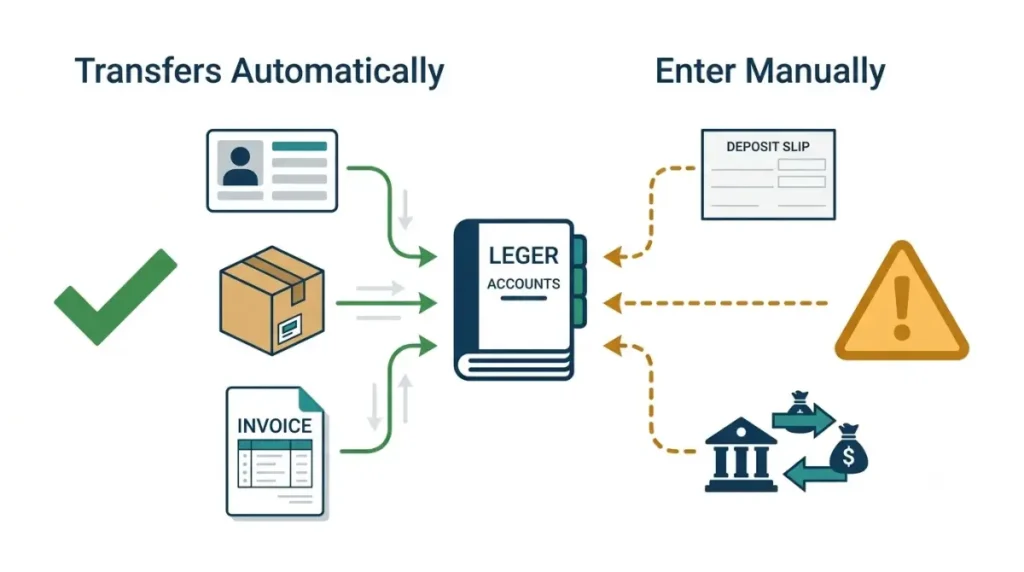
Gaps in Zoho’s own guides
For foreign-currency customers and vendors, Zoho’s QuickBooks guide uses the average exchange rate for each currency.
What Intuit’s export leaves out
Intuit’s US article, read 13 October 2026, says the Export Data tool saves reports and lists as Excel files in one .zip file. Estimates, purchase orders, customer statements, attachments, recurring templates, the chart of accounts and Products & Services export separately.
Attachments and the reverse direction
Zoho’s QuickBooks guide and import notes, read 13 October 2026, do not mention attachments. Leaving Zoho instead? See what happens to your data when leaving Zoho.
Which Zoho Books plan can receive your data
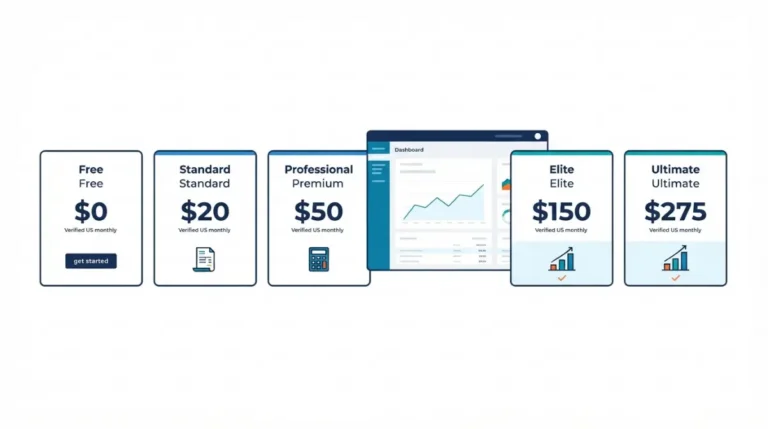
As of 13 October 2026, Zoho’s US plan comparison lists bills only on Professional, Premium, Elite and Ultimate.
Bills and stock tracking
Zoho’s guide has you import bills and says entering stock value creates opening balances. The same page starts stock tracking at Professional.
Custom fields and bank feeds
Custom fields and bank feeds through a third-party provider start at Standard on that page.
Multi-currency data
Multi-currency and vendor credits start at Professional. For plan prices, see what each Zoho Books plan costs.
⚠️ This Costs You: Zoho’s guide has you import bills, yet its comparison lists no bills on Free or Standard. For the Free caps, see Free plan limits.
Import order and the check before you go live
🛟 Back This Up First: Keep your exported QuickBooks files untouched. Zoho’s customer and item imports offer Skip or Overwrite for duplicate records (guide read 13 October 2026); choose before you run them.
Order of the sections
Zoho’s guide says to follow this order:
- Chart of Accounts
- Configure Settings
- Customers and Vendors
- Items
- Bank or Credit Card Accounts
- Opening Balances
- Purchases and Sales
- Sync Transactions
Opening-balance date and the sync
Zoho recommends setting the opening-balance date to the start of your current financial year; the alternative is the date the business started. Backdated transactions must be synced manually with the opening balances.
Match the Trial Balance
Zoho says accurate Trial Balance values come only after every transaction is imported and synced. Compare it with your exported QuickBooks Trial Balance; that check is our suggestion, not a Zoho step. Ask your accountant before relying on it.
Bank feeds and payments after the import
Zoho’s US guide, read 13 October 2026, notes that only the last 90 days of transactions can be fetched inside Zoho Books.
The 90-day bank feed window
The note sits under the bank-account step and does not say whether it covers live feeds, statement uploads or both. For older history the guide has an Import Bank Statements step: add the account manually, then upload its statements.
Undeposited Funds and payments
Undeposited Funds keeps its account type on import, per the same guide. Zoho’s import notes leave deposits for you to enter.
🧾 Not Tested: We did not open a Zoho Books account or run a QuickBooks migration. Every statement here is what Zoho’s and Intuit’s pages say on 13 October 2026, not how an import behaves.
Zoho Books migration questions answered
1. What does Zoho Books import from QuickBooks Online?
Zoho’s US guide (13 October 2026) covers accounts, customers and vendors, items, bank accounts, opening balances, bills and sales, then a transaction sync.
2. Can I migrate QuickBooks Desktop to Zoho Books?
Zoho lists Desktop as a source (13 October 2026). Its importer takes CSV, TSV and XLS, so Desktop data must leave in one of those.
3. Do open invoices migrate to Zoho Books?
Zoho’s guide (13 October 2026) says customer balances cover open invoices, so you do not import them again.
4. Do attachments transfer from QuickBooks to Zoho Books?
Intuit exports attachments as a separate zip. Zoho’s QuickBooks guide and import notes, read 13 October 2026, mention no attachment import.
5. Do bills import to Zoho Books on every plan?
No. Zoho’s plan comparison (13 October 2026) offers bills only above the entry plans; the plan section lists them.
6. Are Zoho Books custom fields on every plan?
No. Several QuickBooks fields map to custom fields, and the plan section gives the dated plan list.
7. Is Zoho Books migration help free?
Zoho’s migration page (13 October 2026) says free migration for all businesses, with a free consultation. It states no conditions.
8. How much bank history does Zoho Books fetch?
Zoho’s guide (13 October 2026) says only the last 90 days of transactions can be fetched; it does not say which method.
9. When is the Zoho Books Trial Balance accurate?
Zoho’s guide (13 October 2026) says after all transactions are imported and synced with the opening balances.
Zoho Books migration: what to do next
✅ Do This: Export the eight named reports, check the plan section against the record types you import, and write to migration@zohobooks.com about any step the US guide leaves open.
Figures were read on 13 October 2026. Ask your accountant before relying on migrated balances.