Invoice Simple 0 Invoices Left While Paying for a Plan
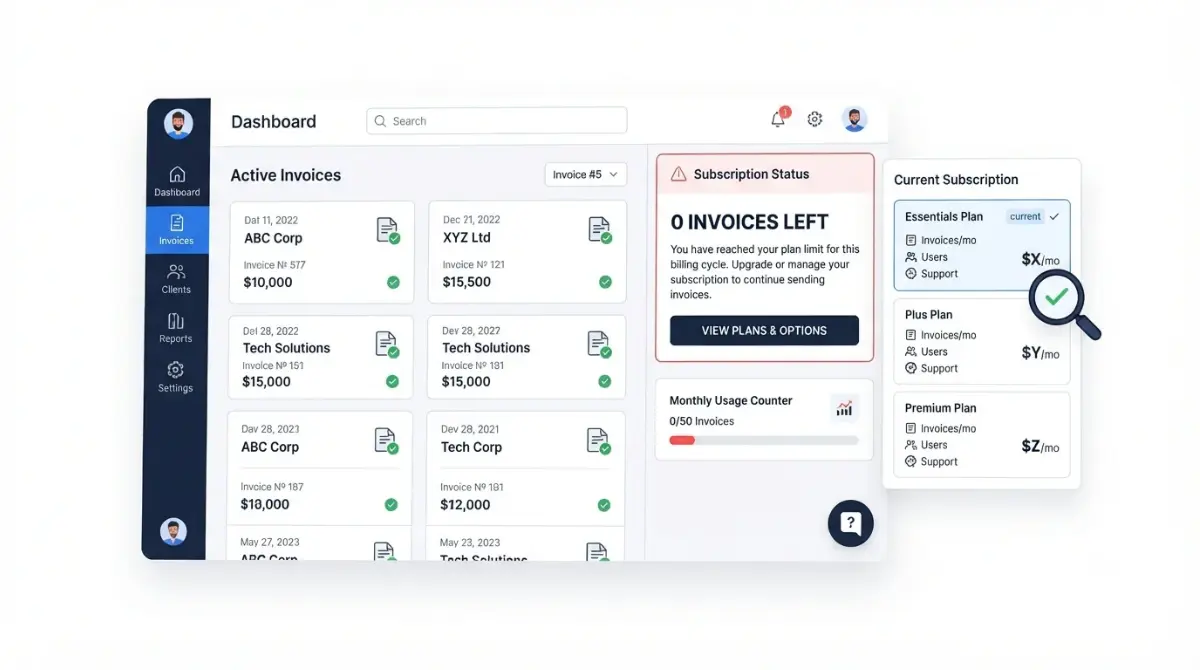
Table of Contents
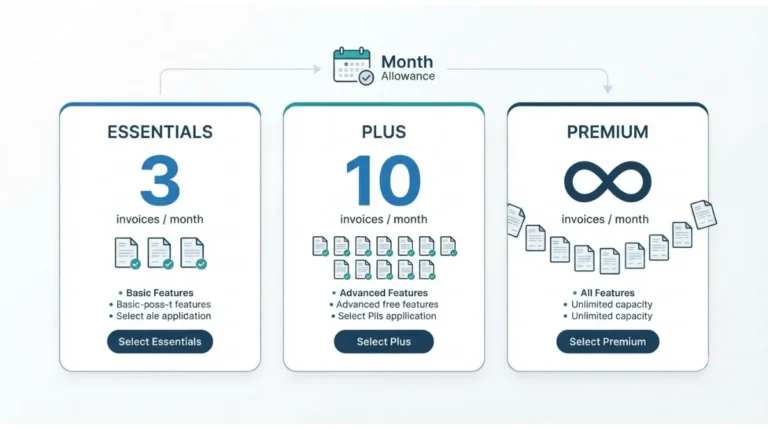
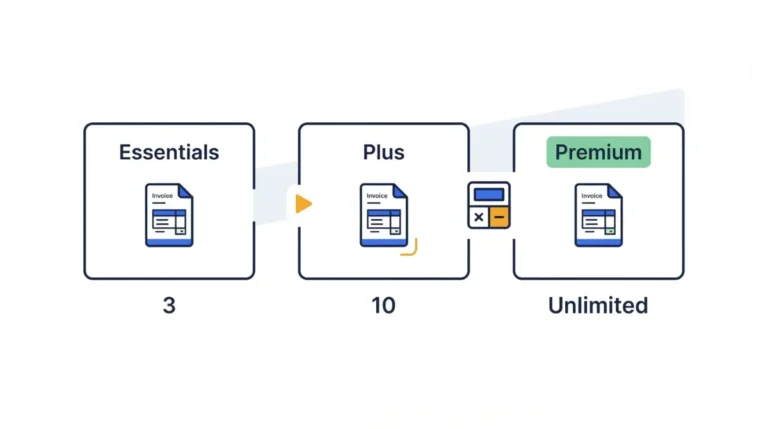
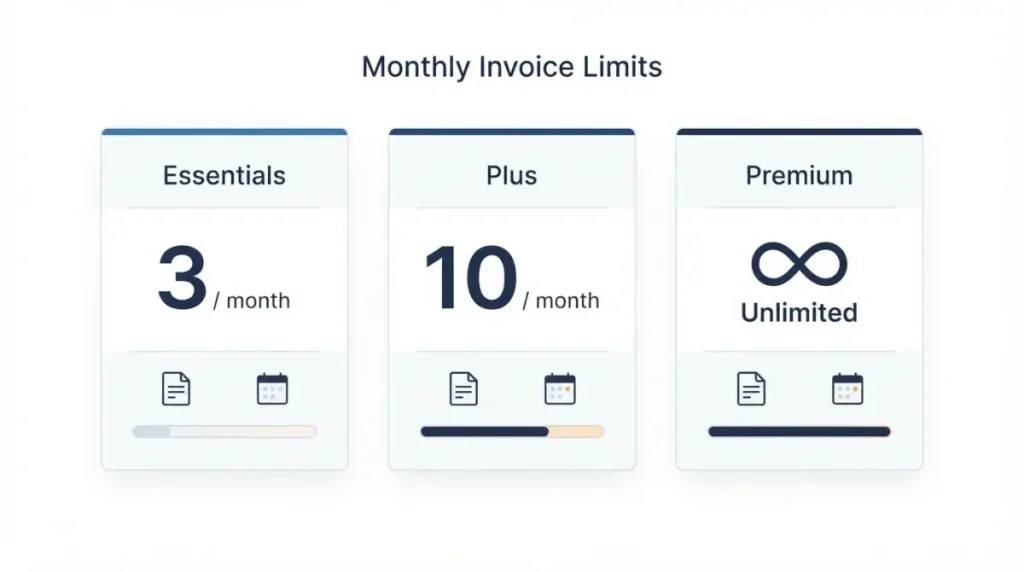
Invoice Simple documents three monthly invoice limits: 3 on Essentials, 10 on Plus, unlimited on Premium (pricing page, verified 30 September 2026). No vendor page checked that day documents a “0 invoices left” message or its cause. If you pay for Premium and still see it, contact support with your plan name and the screen; the steps below show what to send and how.
What Invoice Simple says about invoice limits
Invoice Simple’s pricing page lists a monthly invoice cap per plan, captured 30 September 2026; the plan-limits comparison sets them side by side.
Caps by plan, dated
| Plan | Invoices per month | Monthly price, USD |
|---|---|---|
| Essentials | Up to 3 (30 Sep 2026) | $6.99 (30 Sep 2026) |
| Plus | Up to 10 (30 Sep 2026) | $14.99 (30 Sep 2026) |
| Premium | Unlimited (30 Sep 2026) | $21.99 (30 Sep 2026) |
🗓️ Pricing verified 30 September 2026. Prices are USD and may vary by local currency. Software pricing changes frequently — confirm on the vendor’s site before purchasing.
Estimates and plan structure
The Premium page and Essentials page list estimates as unlimited on all plans (30 September 2026); whether they touch the invoice counter is undocumented. A help article dated 18 April 2025 says unlimited-invoicing accounts are being merged into these plans, without saying what that does to their count.
What the vendor doesn’t document
No page checked on 30 September 2026 states what the counter counts, when it resets, or the wording of any limit message.
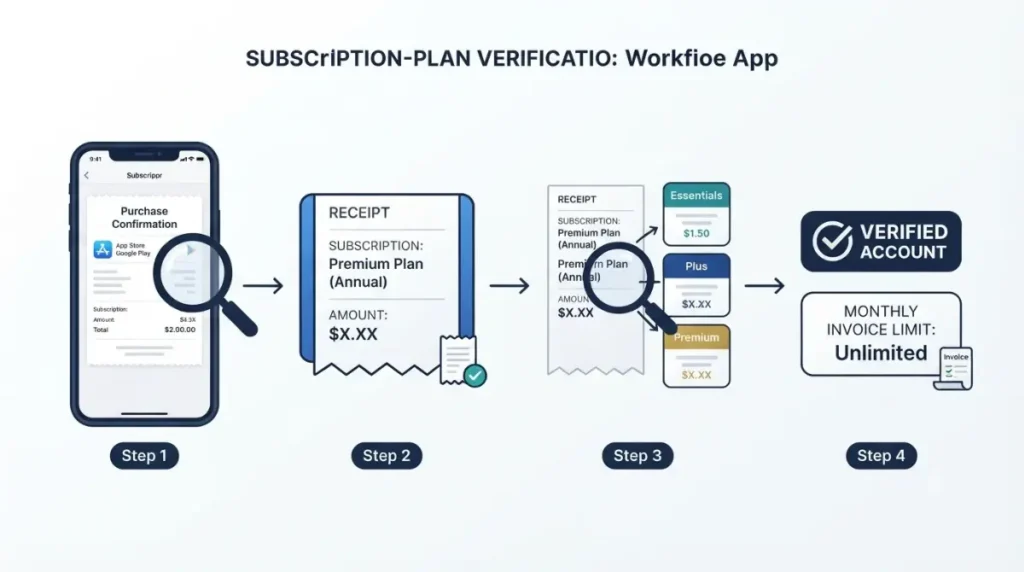
Which plan your subscription is really on
The App Store listing for Invoice Simple, captured 30 September 2026, shows ten in-app purchase entries, three of which match the plan names above.
Match the amount to the plan
Both stores list your subscriptions and document where: Apple’s subscription support page and Google Play’s subscription help. Compare the product name and amount on the entry or receipt email with the plan table above; if it isn’t listed, both say to check which account bought it.
Store names with no documented cap
| Store product name | List price, USD |
|---|---|
| Monthly subscription (listed twice) | $13.49 (30 Sep 2026) |
| Monthly Standard Subscription | $17.99 (30 Sep 2026) |
| Mobile subscription | $10.99 (30 Sep 2026) |
| Monthly Subscription | $11.99 (30 Sep 2026) |
| Monthly Side Business | $10.99 (30 Sep 2026) |
| Monthly Business Sub | $11.99 (30 Sep 2026) |
No page checked on 30 September 2026 assigns these names a cap; ask support which applies, or see older plan prices.
Two businesses, two accounts
One reviewer reports paying for two accounts, one per shop (review dated 2 May 2026); vendor pages checked don’t say how limits apply across accounts.
What to check first when a paid plan shows 0 left
These steps are scoped to the Invoice Simple iOS app, build 6.9.1 (App Store listing, captured 30 September 2026). Caps are listed per plan; on Android or the web the routes below still apply, and build-specific behaviour is undocumented.
If your plan is Essentials or Plus
- Match your plan and amount to the plan table above; its listed cap applies, and no reset day is documented.
- To move up, Invoice Simple’s upgrade article (14 February 2024) says: Settings, Upgrade under the Account header, choose a package, Upgrade now, confirm payment. It predates the plan table, so screens may differ.
If your plan is Premium
- Email support@invoicesimple.com (available 24/7) or use in-app chat. The contact article (24 March 2022) says on mobile: Settings via the gear icon, Contact Us under Support, Send Us a Message; on the web, the dialogue-box icon at lower right. Premium lists first-response priority.
If your store shows a name with no documented cap
- Ask support which cap applies to that product name.
If the message stays after you’ve checked
What to send support
Send support the account email, plan name and amount from your store, the message wording, the screen it appears on, the date and the app version. Self-service ends here: no page checked on 30 September 2026 documents a setting that changes the count.
Reinstalling: reported, not documented
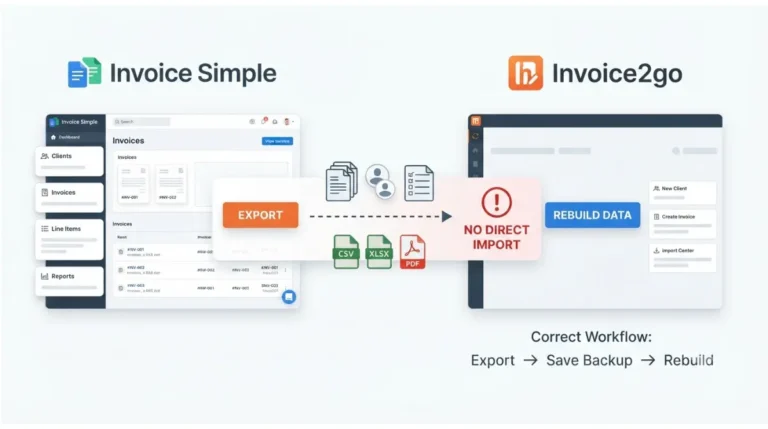
🛟 Back This Up First: Export an invoice summary before removing the app: the export article (22 July 2025) says Settings, Export Invoice Summary under Invoice, a date range, then PDF, XLSX or CSV; PDF covers two months per export. The data article (19 November 2025) says history, estimates and clients stay in Invoice Simple’s cloud through cancelling and plan or platform changes; it does not address reinstalling or unsent drafts.
One reviewer reports that the vendor asked for a delete-and-uninstall and that the message kept returning (App Store review, 2 May 2026). No vendor page checked on 30 September 2026 documents reinstalling as a fix. Install only from the official store listing.
What’s on the record from Invoice Simple’s side
One review on the App Store listing captured 30 September 2026 names the message; no vendor page does.
Reported on paid unlimited plans
A review dated 2 May 2026 says the reviewer pays monthly for unlimited and keeps seeing the message. It is one user’s report, not documented product behaviour.
A different symptom
A review dated 31 May 2026 describes a different problem, an error when printing or emailing as an unlimited purchaser; see when an invoice won’t send.
What the vendor’s pages say
Beyond the merge notice covered in the first section, the App Store release notes for versions 5.6.1 (18 November 2025) through 6.9.1 repeat one text and mention no limit changes.
How to avoid hitting the cap again
Prevention rests on your own record and the caps listed earlier.
Keep your own tally
Log each invoice you create and each you send, with dates, and compare against the app’s count; a mismatch is what to show support.
Match the plan to your monthly volume
The vendor’s help article (18 April 2025) says users close to their monthly limit may want a plan with more capacity; the plan table above lists each cap.
Where to see the full cost picture
For the full cost picture, see what Invoice Simple costs once limits are counted; to leave instead, read about cancelling Invoice Simple.
🧾 Not Tested: We did not use Invoice Simple on a paid plan, so the message could not be reproduced. Caps, prices, support routes and the export path come from the vendor’s published pages; the review reports come from public App Store listing text. AI tools were used in drafting; every figure was verified 30 September 2026.
Frequently asked questions
1. Why does Invoice Simple say 0 invoices left?
For Invoice Simple, no vendor page checked on 30 September 2026 documents the message; Essentials and Plus carry documented caps, Premium does not.
2. How many invoices does each Invoice Simple plan allow?
Up to 3 on Essentials, up to 10 on Plus, unlimited on Premium, per Invoice Simple’s pricing page captured 30 September 2026.
3. Which Invoice Simple plan has unlimited invoices?
Premium; Invoice Simple’s help article of 18 April 2025 says unlimited invoicing needs a Premium subscription.
4. Do estimates count toward the Invoice Simple invoice limit?
Invoice Simple lists estimates as unlimited on all plans (30 September 2026); whether they affect the invoice counter is not documented.
5. When does the Invoice Simple invoice count reset?
No page checked on 30 September 2026 states the Invoice Simple reset day, or what the counter counts.
6. Does reinstalling Invoice Simple fix the 0 invoices left message?
No Invoice Simple page documents it; one reviewer (2 May 2026) says the vendor asked for it and the message kept returning.
7. How do I contact Invoice Simple support?
Email support@invoicesimple.com, available 24/7, or use in-app chat, per Invoice Simple’s help article dated 24 March 2022.
8. Should I back up before reinstalling Invoice Simple?
Yes; Invoice Simple’s 22 July 2025 article documents Export Invoice Summary, and its 19 November 2025 article doesn’t address reinstalling.
9. Were Invoice Simple unlimited accounts merged into the new plans?
Invoice Simple’s help article of 18 April 2025 says so, without mentioning this message.
What to take from the record
Invoice Simple documents its caps and how to reach support, and nothing else about this message. Essentials and Plus have documented limits; Premium does not. If a Premium plan shows 0 left, send support the plan name, amount, screen and date. This page was verified 30 September 2026.