How to cancel a Xero subscription and what the extra month Xero subscription
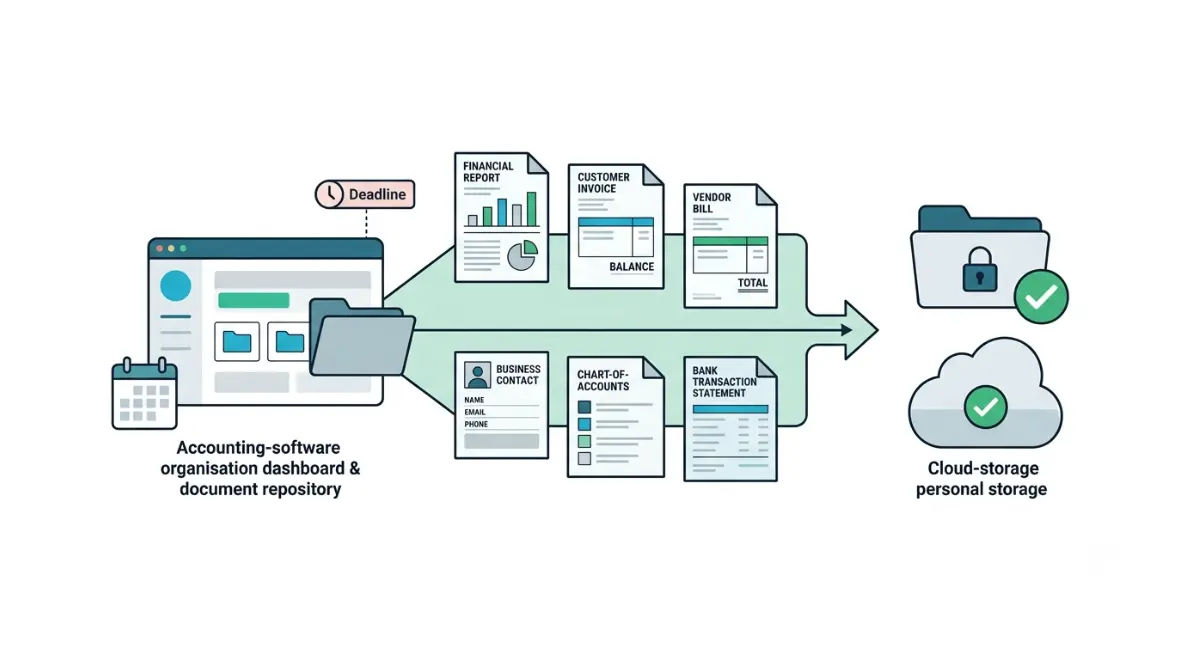
Table of Contents
To cancel a Xero subscription, the subscriber opens My Xero, selects the Subscriptions tab, then chooses Cancel subscription from the menu beside the organisation. Xero requires one month’s notice and bills you through it. On the US Established plan that notice month costs $90 today, and $97 on invoices dated from 1 October 2026, per Xero’s pricing update notice retrieved 3 September 2026.
Who can cancel, and which route you’re on
Only the subscriber can cancel, and the route depends on where you bought it.
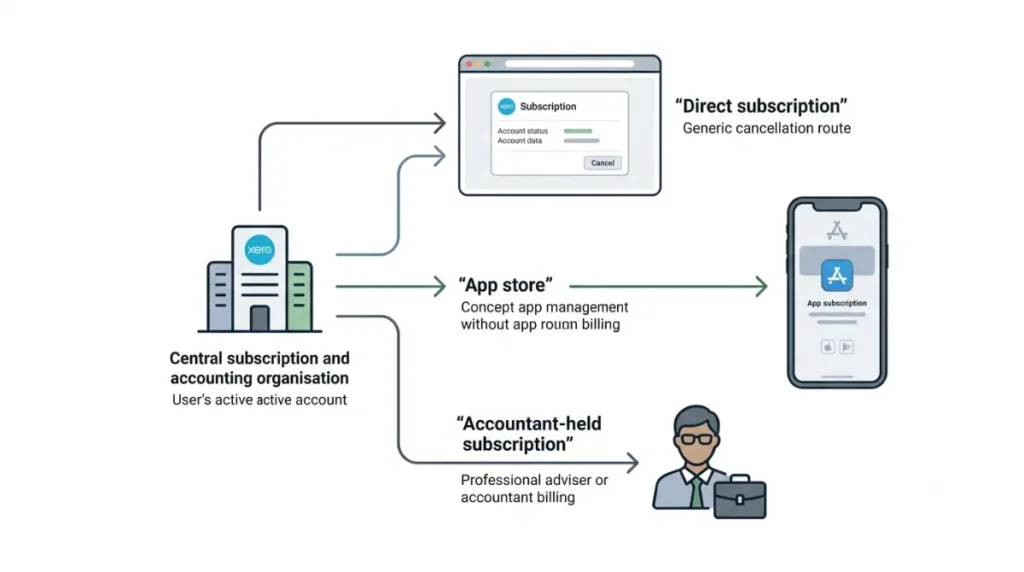
If you bought Xero directly
- Click your organisation name, then open My Xero.
- Open the Subscriptions tab.
- Click the menu icon beside the organisation and choose Cancel subscription.
- Select your reason for cancelling.
- Confirm the cancellation.
In the mobile app, the path is your organisation name, then Subscription, then Manage subscription. Both paths are taken from Xero’s cancellation documentation, retrieved 3 September 2026.
If you bought through an app store
Apple or Google holds the billing, so cancel there instead.
If your accountant holds the subscription
Ask them, because only the subscriber has the option. Any outstanding amount or suspended organisation must be cleared first.
The one-month notice period, and what it means for your bill
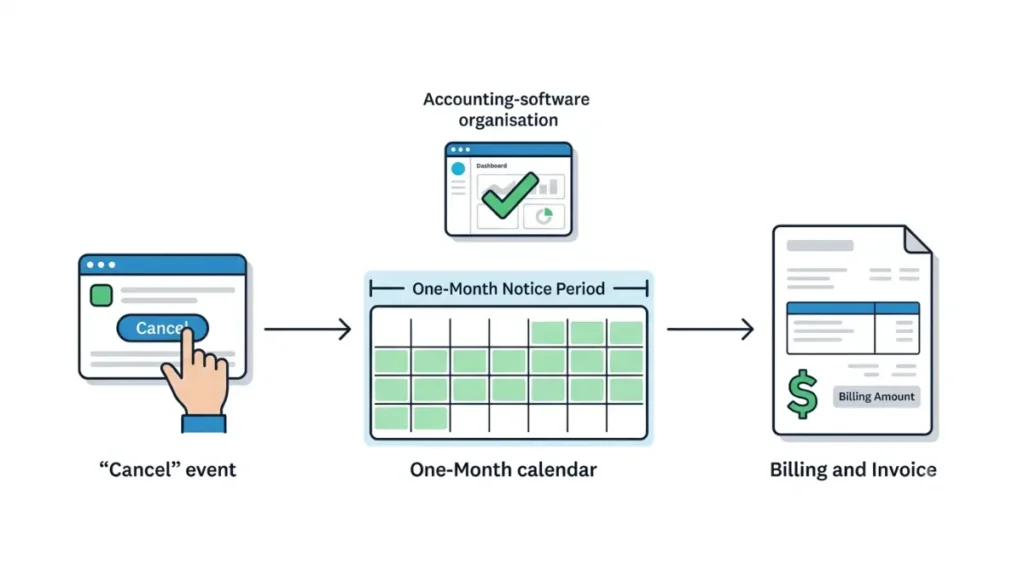
One month, and Xero bills you throughout it. Xero’s published offer terms, retrieved 3 September 2026, state that you must give one month’s notice and will still be charged for that period.
Notice runs from the day you cancel
The clock starts when you confirm, not at your next renewal date. There is no arrangement of dates in which you cancel and no further charge arrives.
What you keep during the notice month
Every user keeps full access for the whole month, per Xero’s cancellation documentation retrieved 3 September 2026. You are paying for a working subscription, not for a lockout.
⚠️ This Costs You: The minimum cost of leaving Xero is one full month at your plan’s rate, charged after you have already decided to go. Xero states no refund window anywhere we retrieved on 3 September 2026 — its offer terms defer to its general terms of use and name no period. Treat the notice month as money spent, and use it.
You can call it off
The subscriber can withdraw the request at any point inside the notice period. What that month costs is in the next section.
What the notice month actually costs
| Plan | Notice month now | From 1 Oct 2026 | Who hits this |
|---|---|---|---|
| Early | $25 (verified 3 Sep 2026) | $27 (verified 3 Sep 2026) | Sole traders under the caps |
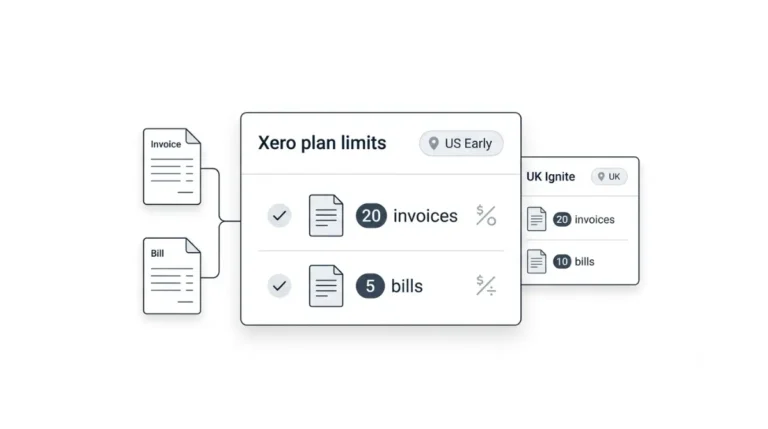
| Growing | $55 (verified 3 Sep 2026) | $59 (verified 3 Sep 2026) | Past 20 invoices or 5 bills |
| Established | $90 (verified 3 Sep 2026) | $97 (verified 3 Sep 2026) | Multi-currency, projects, expenses |
🗓️ Pricing verified 3 September 2026. Software pricing changes frequently — confirm on the vendor’s site before purchasing. We re-check this page on 1 October 2026, then every 90 days.
US figures are in USD and exclude sales tax, from Xero’s US pricing page and its pricing update notice, both retrieved 3 September 2026.
What changes on 1 October 2026
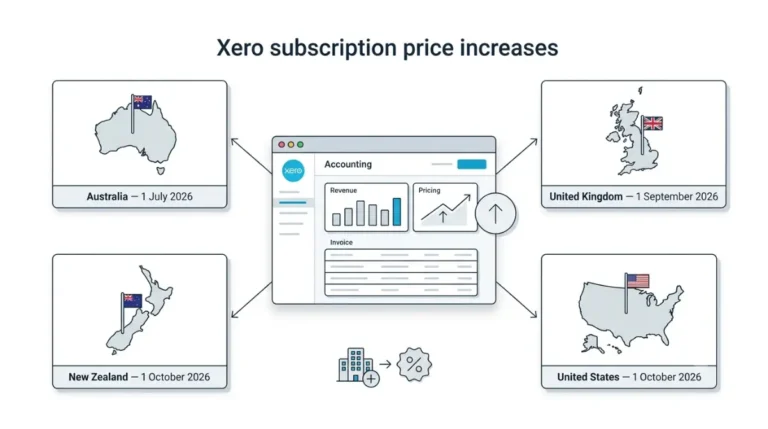
Cancelling now does not avoid the increase. Xero’s update notice states it applies to new and existing US subscribers from that date, so a notice month that runs past 1 October is billed at the higher rate whichever way you decide. What the rise costs a subscriber who stays is covered in what the Xero price increase changes on your next bill.
If you’re outside the US
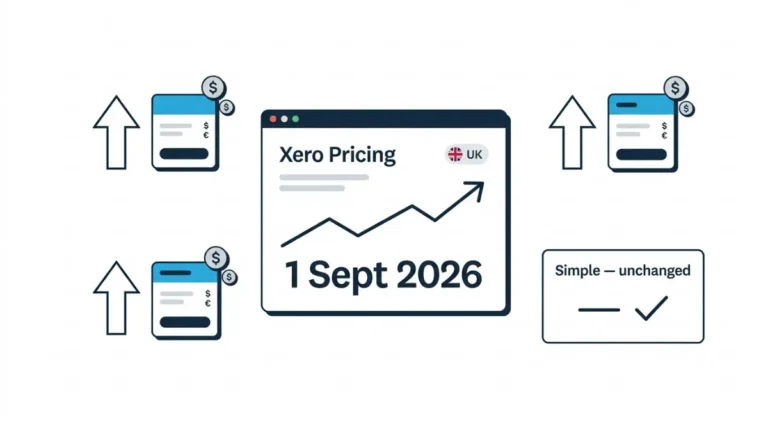
The one-month notice rule is the same; the money is not. UK, Australian and New Zealand accounts run on Simple, Ignite, Grow, Comprehensive and Ultimate rather than the US names, per Xero’s UK pricing page retrieved 3 September 2026. UK prices moved on 1 September 2026 — the figures are in the actual figures behind the Xero price increase in the UK.
Why your final invoice covers odd dates
Your last invoice will probably not match your usual billing window, and that is expected rather than an error.
How the final window is set
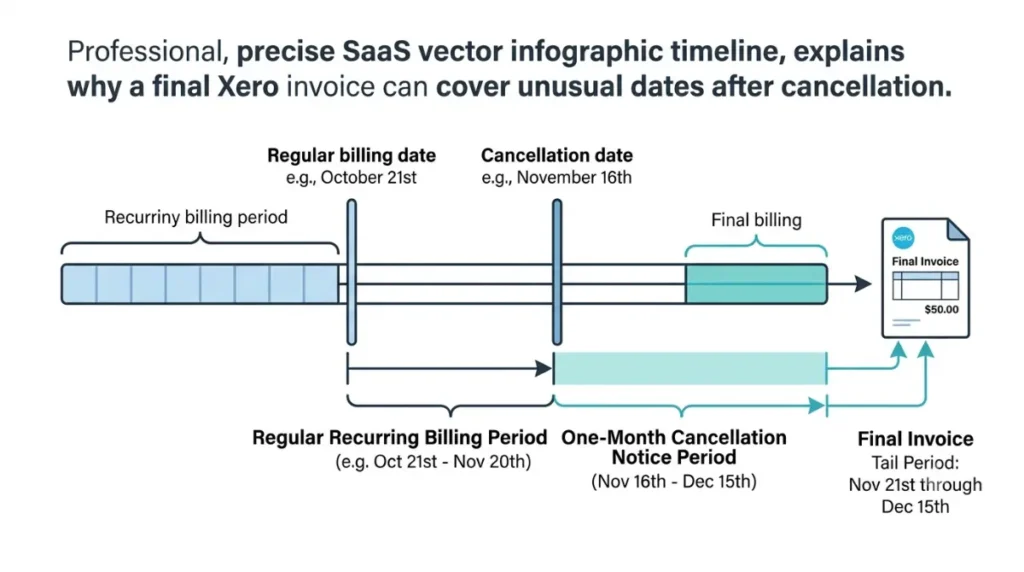
The notice period runs a month from the cancellation date, while invoices run from your billing date. When those two dates differ, the final invoice spans the gap.
🔍 Why It Works This Way: Xero’s own worked example, retrieved 3 September 2026: if you are invoiced on the 21st of each month and cancel on 16 July, the final invoice covers 21 July to 15 August. It arrives outside the usual date because it is billing the tail of the notice period, not a calendar month.
If you hold more than one subscription
Where several subscriptions share a billing account, Xero adds the closing charges for the cancelled one to the next invoice for the others. Cancelling one organisation does not touch the rest.
Downgrading or reactivating instead of cancelling
If the bill is the problem rather than the product, two documented options sit between staying and leaving.
Moving to a cheaper plan
Xero’s stated alternative for keeping access is a reduced subscription fee plan. One constraint: its pricing page, retrieved 3 September 2026, states you can only move down a month after upgrading. What each tier stops you doing is in what each Xero plan blocks.
Reactivating later
Cancelling archives the organisation rather than deleting it, and it can be reactivated. Per Xero’s reactivation documentation retrieved 3 September 2026, any promo code from the original subscription is not reinstated, outstanding charges appear at confirmation, and bank feeds may need reconnecting.
There is no read-only plan
Xero states plainly that it does not offer one. Some guides describe a read-only period after cancellation; Xero’s documentation does not support it.
Export your data before the notice period ends
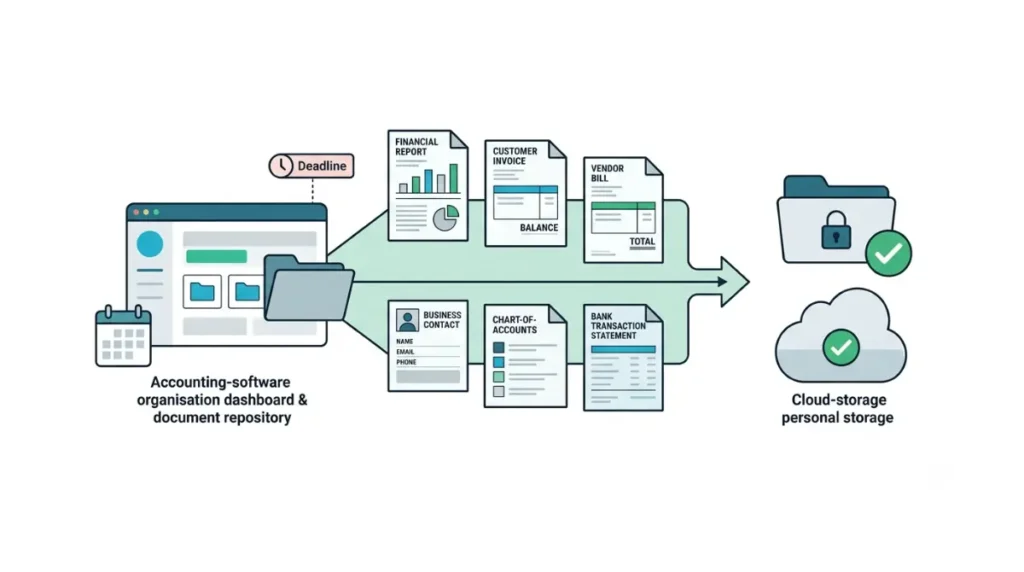
🛟 Back This Up First: Once the organisation is cancelled you cannot access its data, per Xero’s cancellation documentation retrieved 3 September 2026. Export your reports, invoice and bill PDFs, contacts, chart of accounts and bank transactions while the notice period is still running, to storage you control. There is no second chance at this after the last day.
The export deadline
It is the end of the notice month, not the day you click cancel. You keep full access until then, which is the only useful thing the billed month buys you.
What Xero does with your data afterwards
Xero archives the organisation to meet record-keeping requirements. It publishes no retention period we could locate on 3 September 2026, so do not plan around one. Your login, demo organisation and other organisations are unaffected.
✅ Do This: Export everything on the first day of the notice period, not the last. If something is missing you still have a month of access to go back for it.
🧾 Not Tested: We hold no Xero subscription and have not cancelled one. Cancelling requires an active paid organisation and a billed notice month, and we will not describe a screen we have not seen. Every step, term and figure above comes from Xero’s cancellation and reactivation documentation, its offer terms, its US and UK pricing pages and its pricing update notice, each retrieved on 3 September 2026.
Cancelling Xero, answered
1. Does Xero charge you during the notice period?
Yes. Xero’s offer terms state you must give one month’s notice and will still be charged for that period.
2. Can I cancel Xero immediately?
No. The one-month notice runs from the day you confirm, so a further month is always billed.
3. Can I stop a cancellation after starting it?
Yes. The subscriber can withdraw the cancellation request at any point inside the one-month notice period.
4. What will my final Xero invoice cover?
The tail of the notice period, which often falls outside your usual billing window. Xero’s example: cancel 16 July, final invoice 21 July to 15 August.
5. Can I access my Xero data after cancelling?
No. Access ends when the notice period ends, and the organisation is archived. Export everything before that date.
6. Is there a Xero read-only plan?
No. Xero states it has no read-only plan. Moving to a cheaper plan is the documented way to keep access.
7. How do I cancel Xero bought through the App Store?
Through Apple or Google, not through Xero. The app store holds the billing for store-purchased subscriptions.
8. Will cancelling now avoid the October price increase?
No. Xero’s update notice states the rise applies to existing US subscribers too, from 1 October 2026.
9. Is there a Xero cancellation phone number?
No. Xero states it has no support phone number and that any such number online is a scam.
What to do next
Start the notice period only after you have exported everything, because the billed month is also your last month of access. If you are still deciding, price the alternative first — the full plan and exit-cost picture is in Xero pricing, plan limits and what it costs to leave. We check every figure on this page again on 1 October 2026, the day the US prices change.